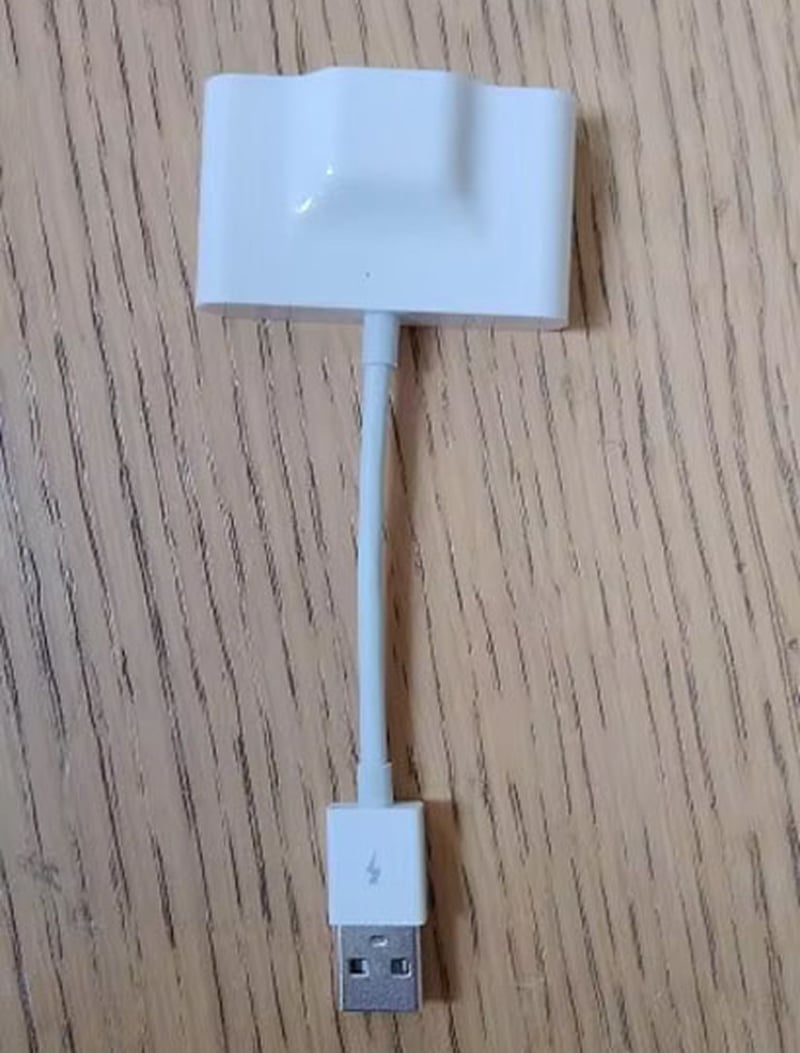
Transform Your Daily Commute with Seamless Wireless Freedom Using CabieLink Android Auto Wireless Adapter
Eliminate cable clutter and enjoy effortless smartphone integration with CabieLink’s advanced wireless technology. Experience instant connectivity, hands-free control, and reliable performance that makes every drive safer, more convenient, and infinitely more enjoyable.
Discover How Advanced Wireless Technology Revolutionizes Your Driving Experience with CabieLink Android Auto Wireless Adapter
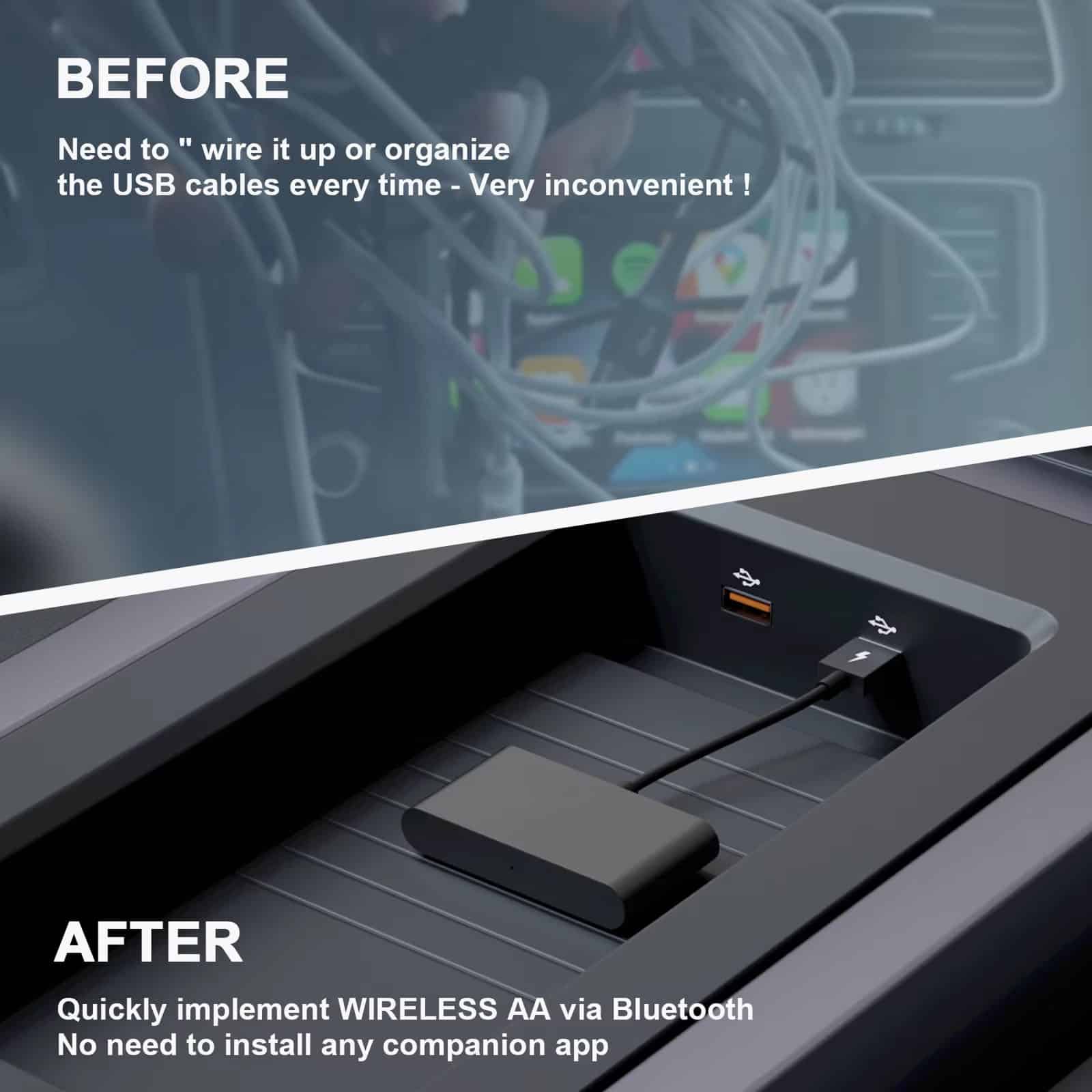
Tired of Dealing with Messy Charging Cables?
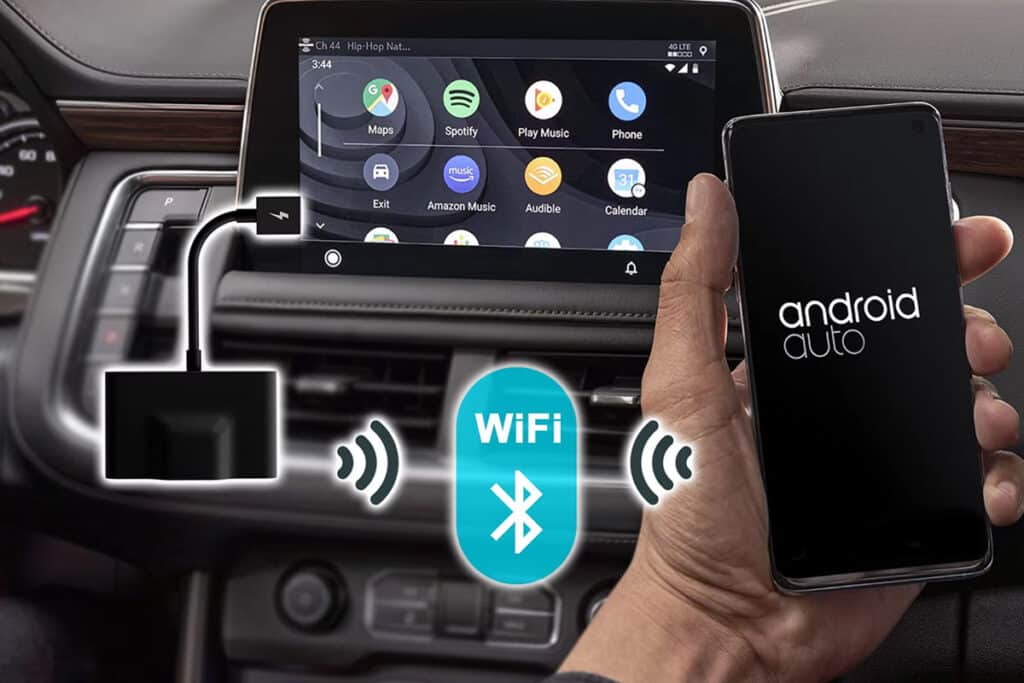
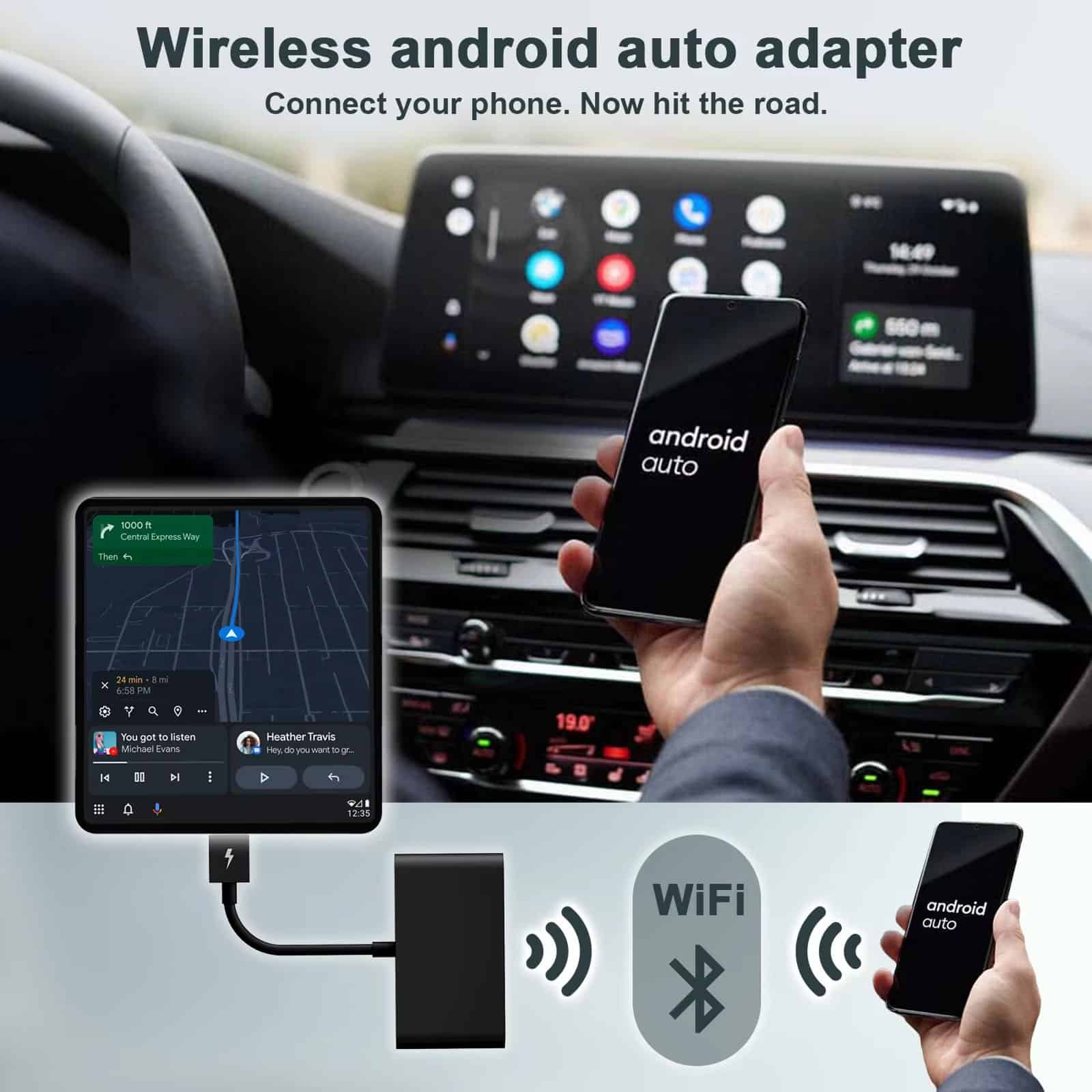
Eliminate cable frustration permanently with CabieLink’s advanced 5GHz WiFi technology. Enjoy stable, lightning-fast wireless connectivity that keeps your vehicle interior organized while delivering seamless smartphone integration for navigation, music, and messaging.
Looking for Instant Automatic Phone Connection?
Experience true convenience with automatic pairing technology. The moment you start your vehicle, CabieLink Android Auto Wireless Adapter instantly connects to your smartphone, providing immediate access to all your favorite apps without manual intervention.
Worried About Complicated Installation Processes?
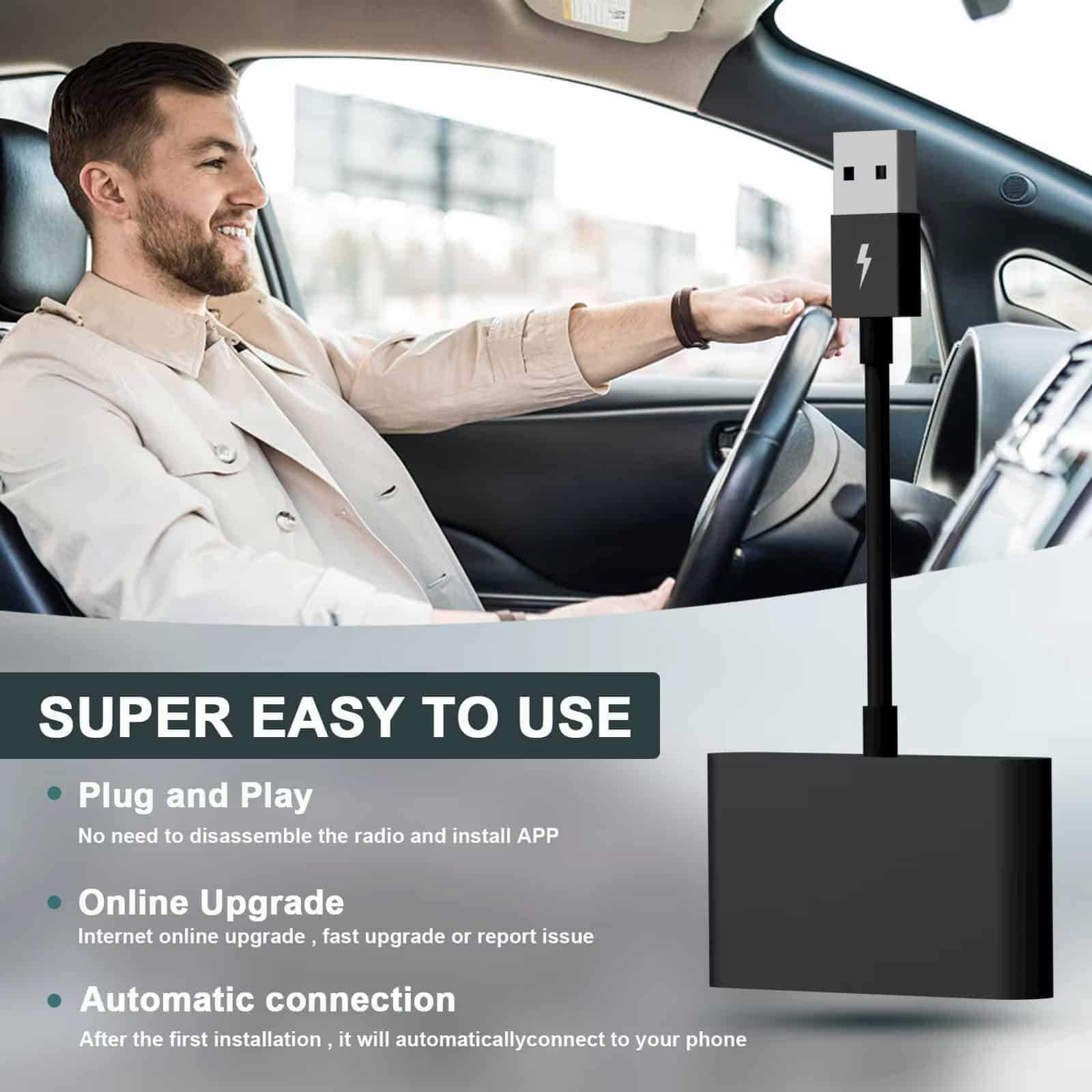
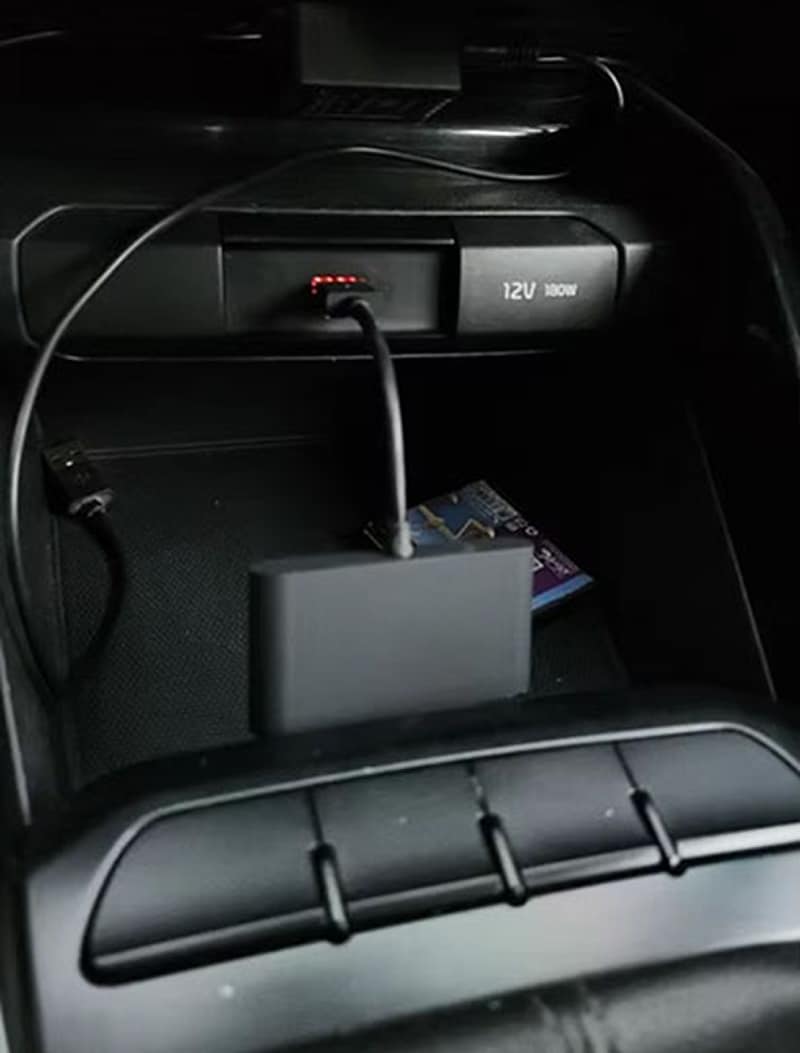
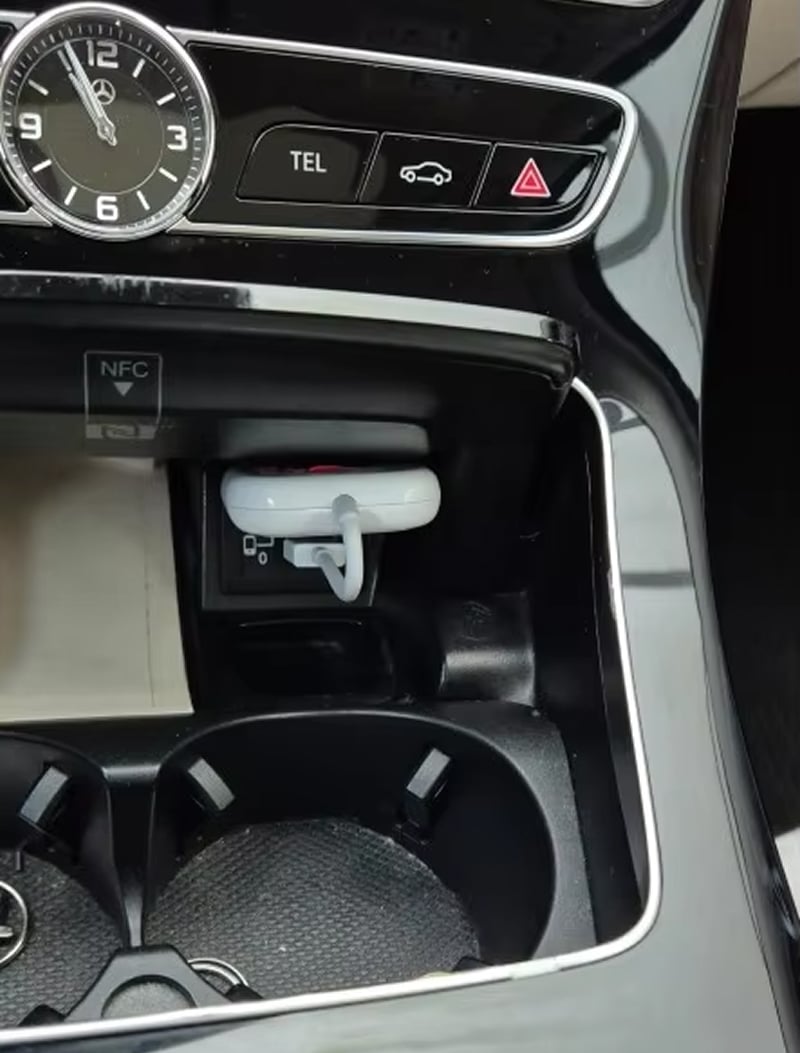
Setup takes less than 60 seconds with our simple plug-and-play design. Just connect CabieLink Android Auto Wireless Adapter to your car’s USB port, complete quick pairing, and enjoy wireless freedom immediately—no technical expertise required.
Join 50,000+ Drivers Loving CabieLink Android Auto Wireless Adapter
4.8 rating based on total orders
Upgrade Your Vehicle's Entertainment System with Premium Wireless Technology Features
Beyond wireless connectivity, CabieLink enhances your entire driving experience with compact design, universal compatibility, and reliable performance that works flawlessly with leading navigation and streaming applications.
CabieLink delivers exceptional wireless performance with reliable 5GHz connectivity and impressive compatibility across vehicle models. The instant auto-pairing feature and stable connection make it outstanding for modern drivers.
Why CabieLink Android Auto Wireless Adapter Is Your Ultimate Driving Companion
CabieLink FEATURES ALL YOU EXPECT:
LIGHTNING-FAST CONNECTIVITY
Advanced 5GHz WiFi technology ensures uninterrupted wireless connection throughout your journey. Experience stable, high-speed data transmission that keeps your navigation, music, and apps running smoothly without lag or disconnection issues.
UNIVERSAL COMPATIBILITY
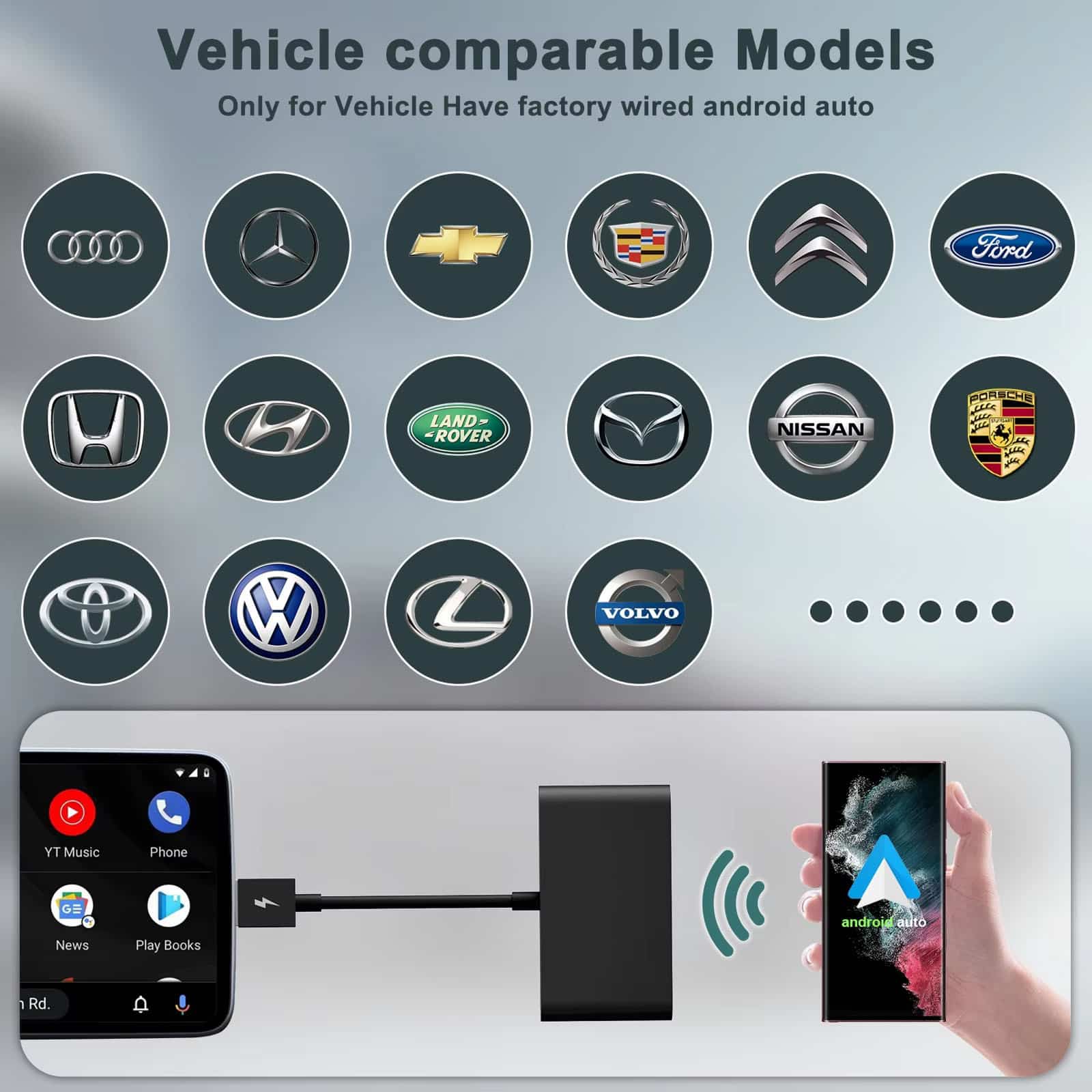
Works seamlessly with most vehicles equipped with factory Android Auto, including Audi, Mercedes-Benz, Ford, Honda, Toyota, and many more. Enjoy wireless freedom regardless of your car’s make or model specifications.
ENHANCED SAFETY
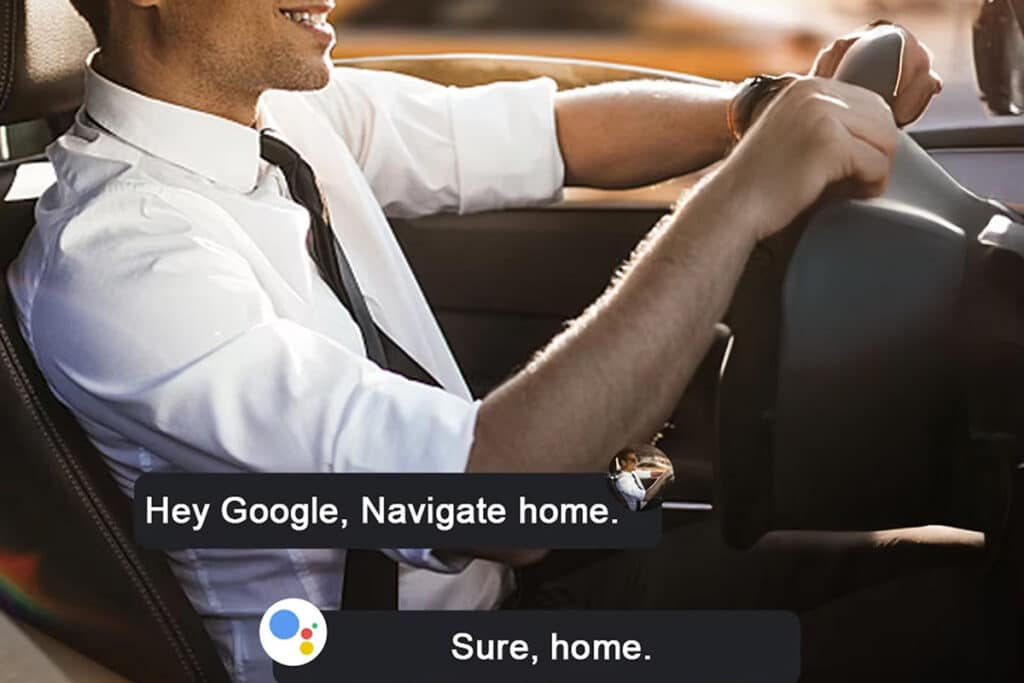
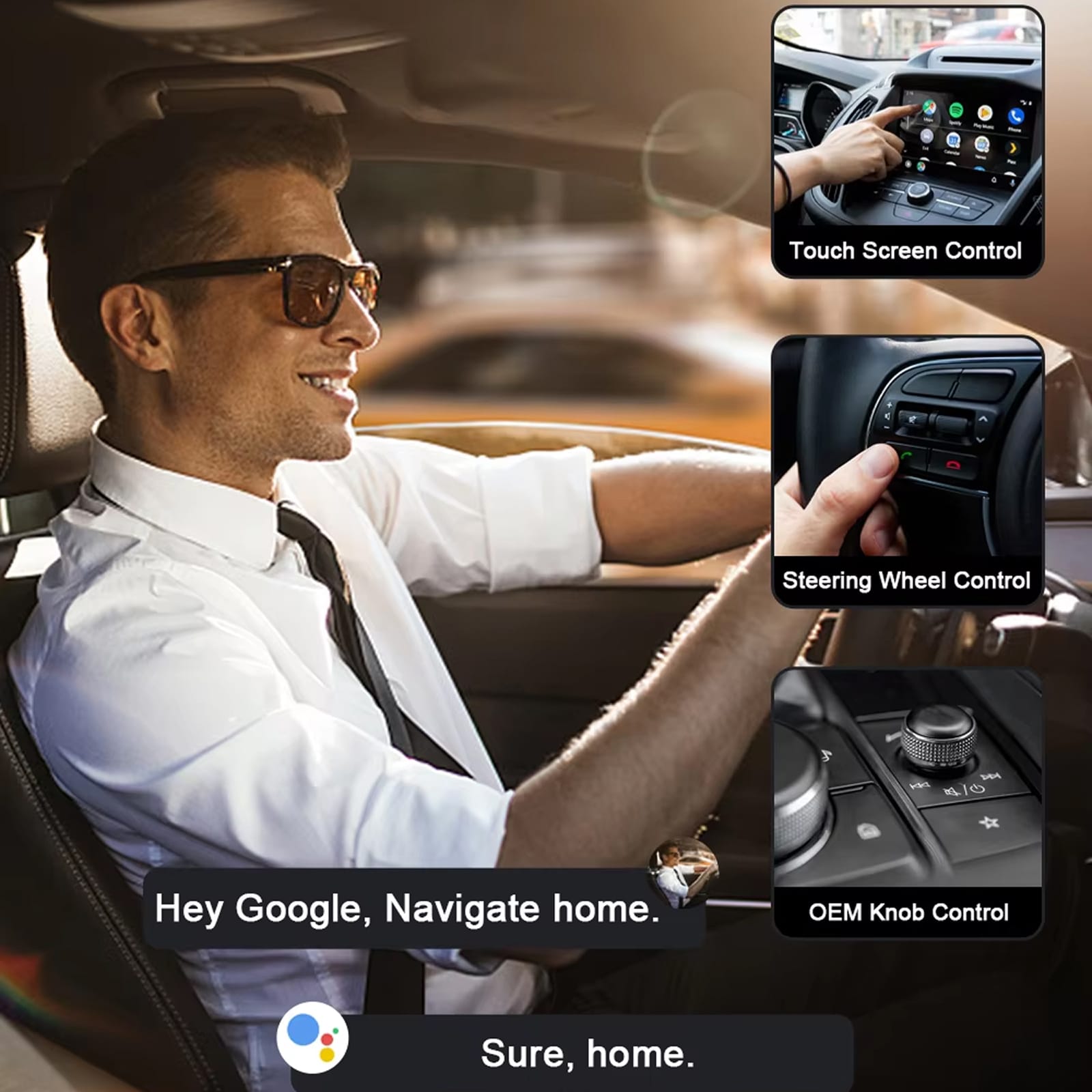
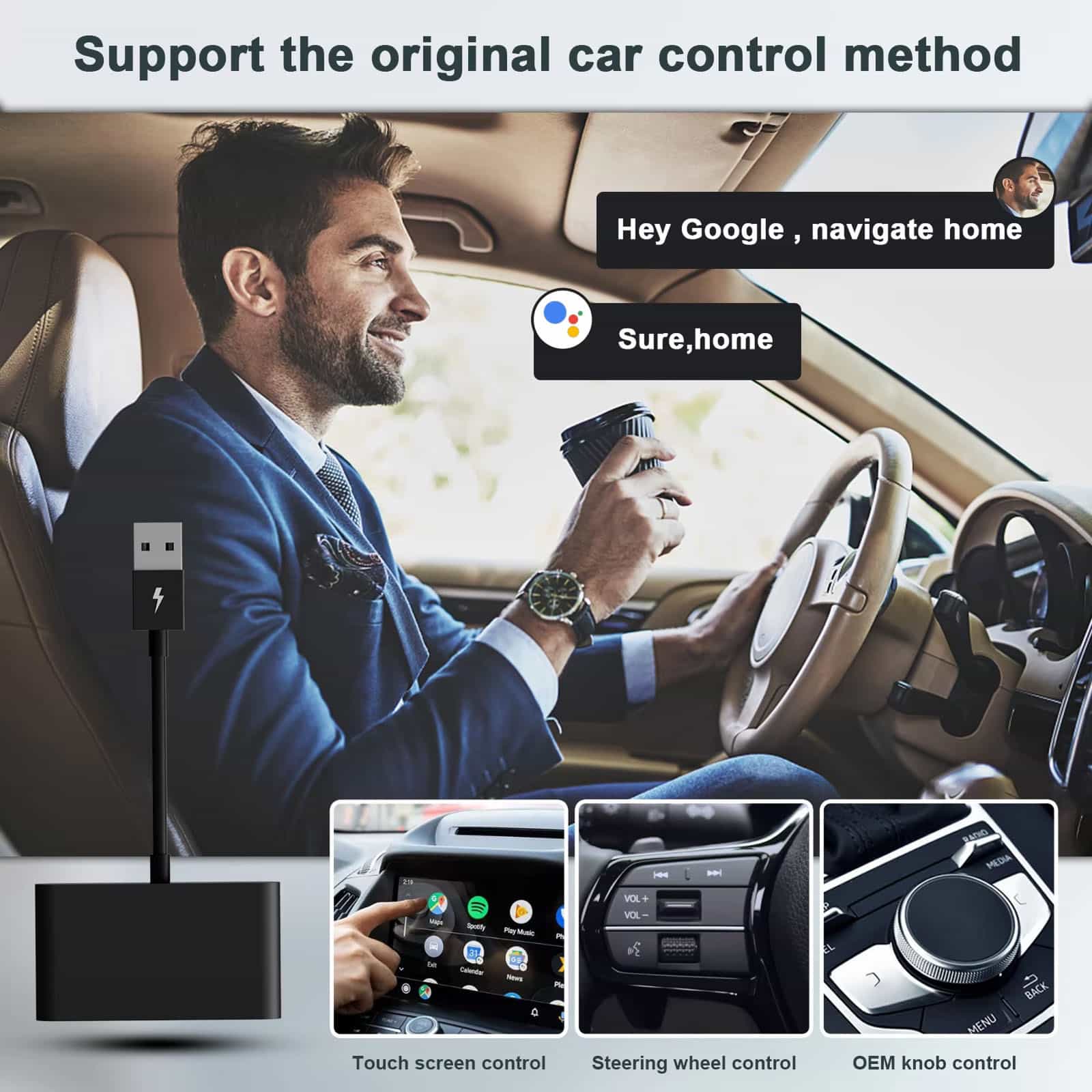
Keep your hands on the wheel and eyes on the road with hands-free voice commands. Access navigation, make calls, send messages, and control music safely through your car’s display, reducing distractions.
EFFORTLESS AUTO-PAIRING
Start your car and instantly connect—no buttons to press or cables to plug in. CabieLink Android Auto Wireless Adapter automatically recognizes your smartphone and pairs within seconds, saving you time every drive.
COMPACT DESIGN
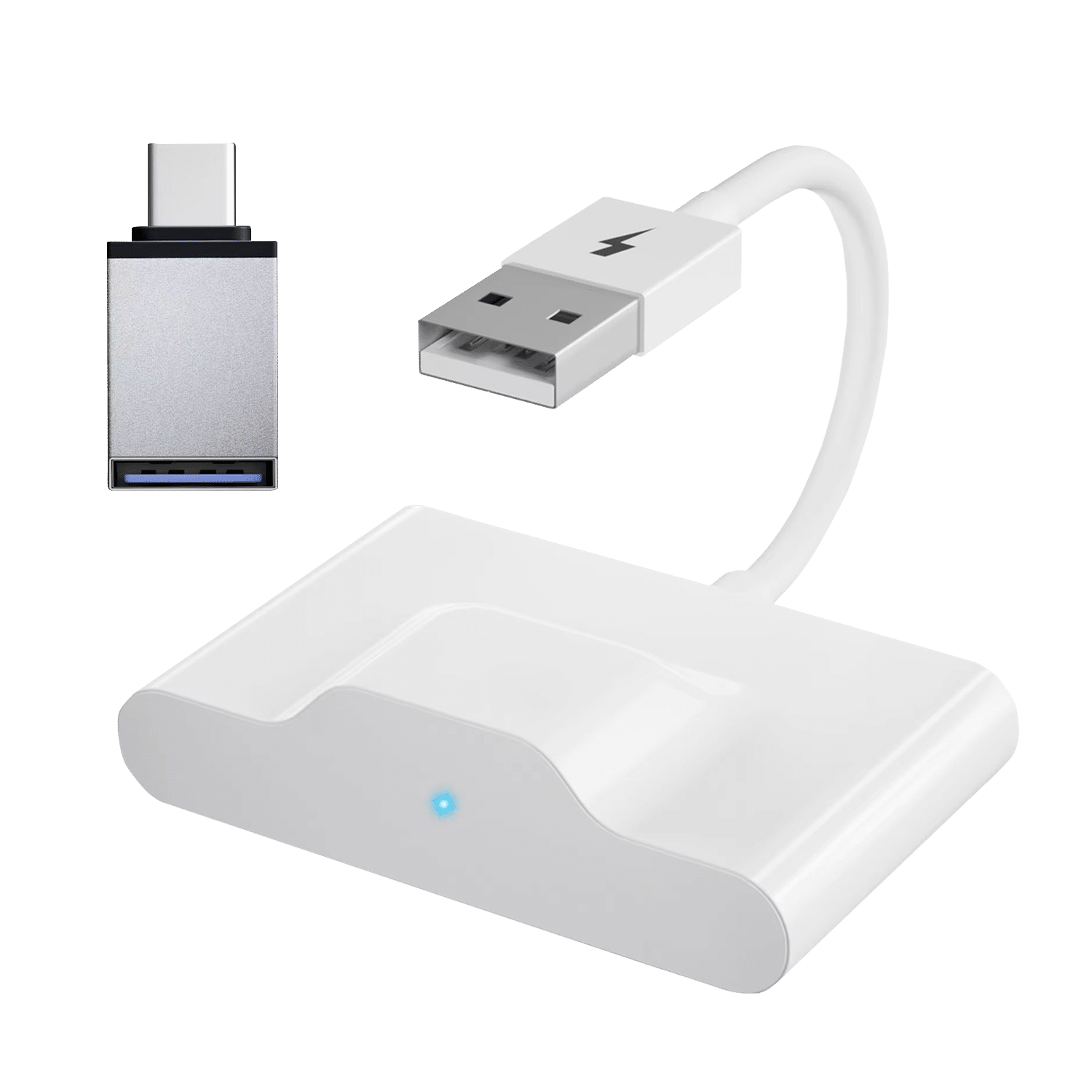
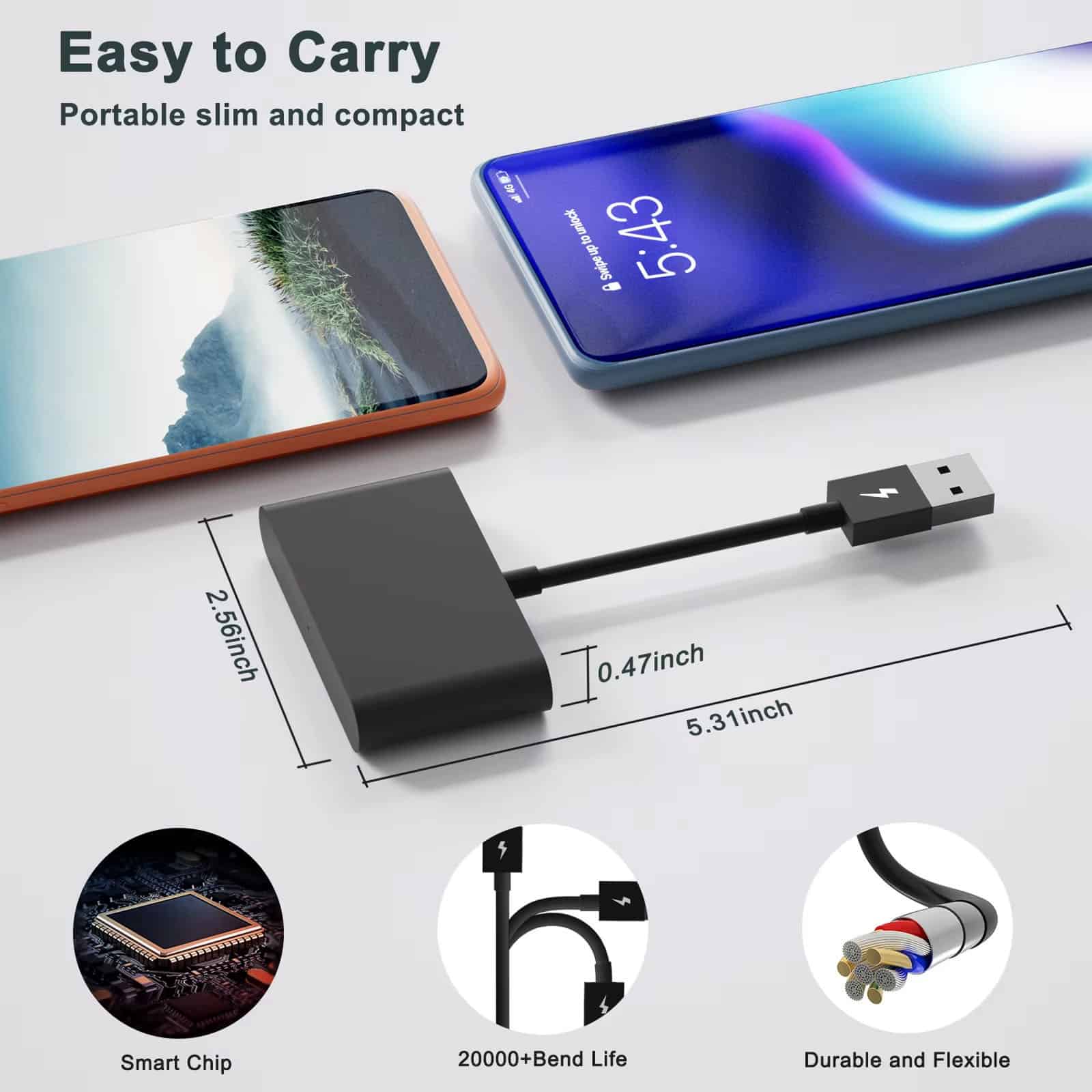
The sleek, minimalist design fits discreetly into your vehicle’s USB port without cluttering your dashboard. Maintain your car’s clean aesthetic while enjoying powerful wireless connectivity and modern technology integration throughout.
RELIABLE PERFORMANCE
Built with premium components and rigorous testing standards, CabieLink delivers consistent performance in all driving conditions. Experience reliable wireless connectivity that works flawlessly whether you’re commuting daily or taking road trips.
Image Gallery
What's Included in Your Package?
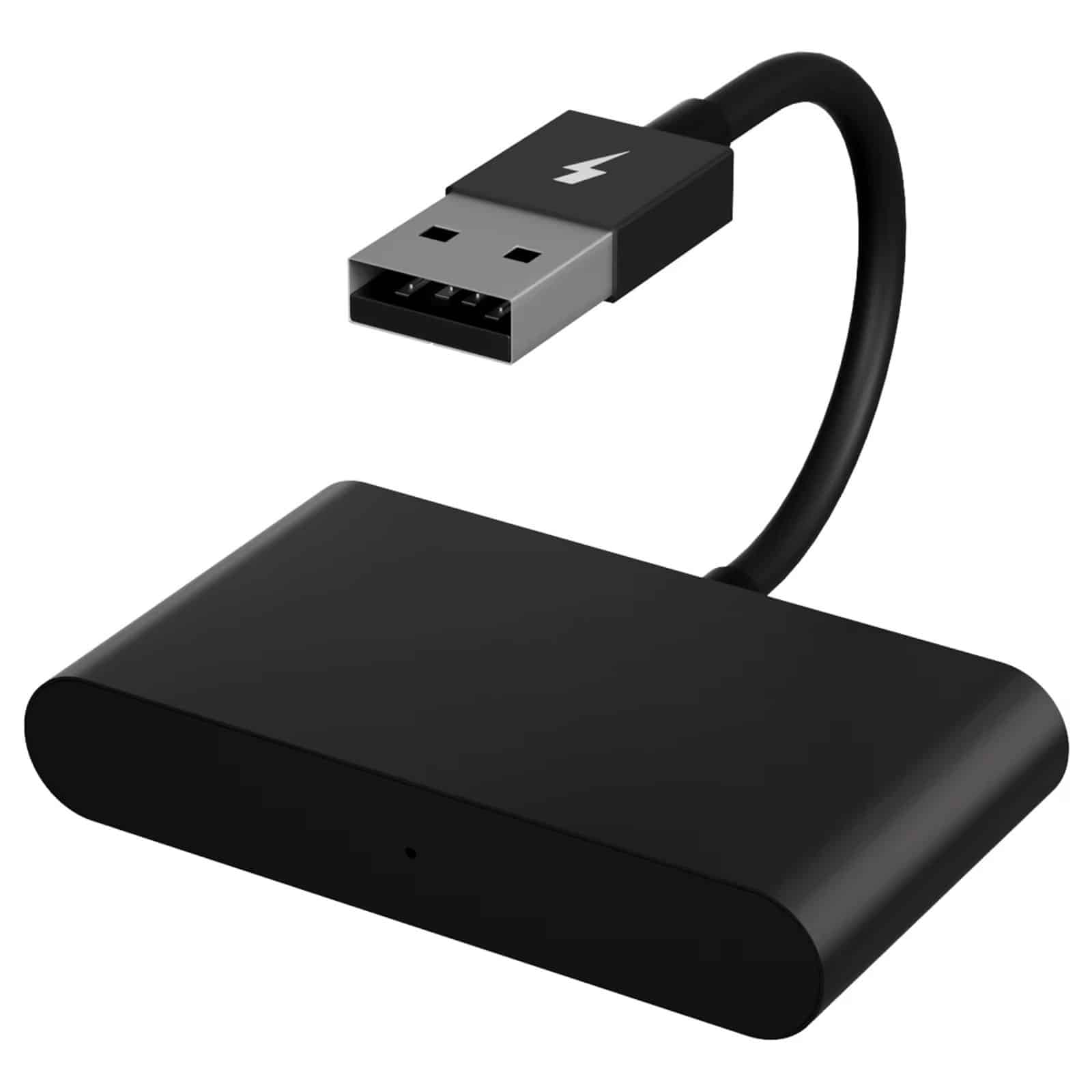
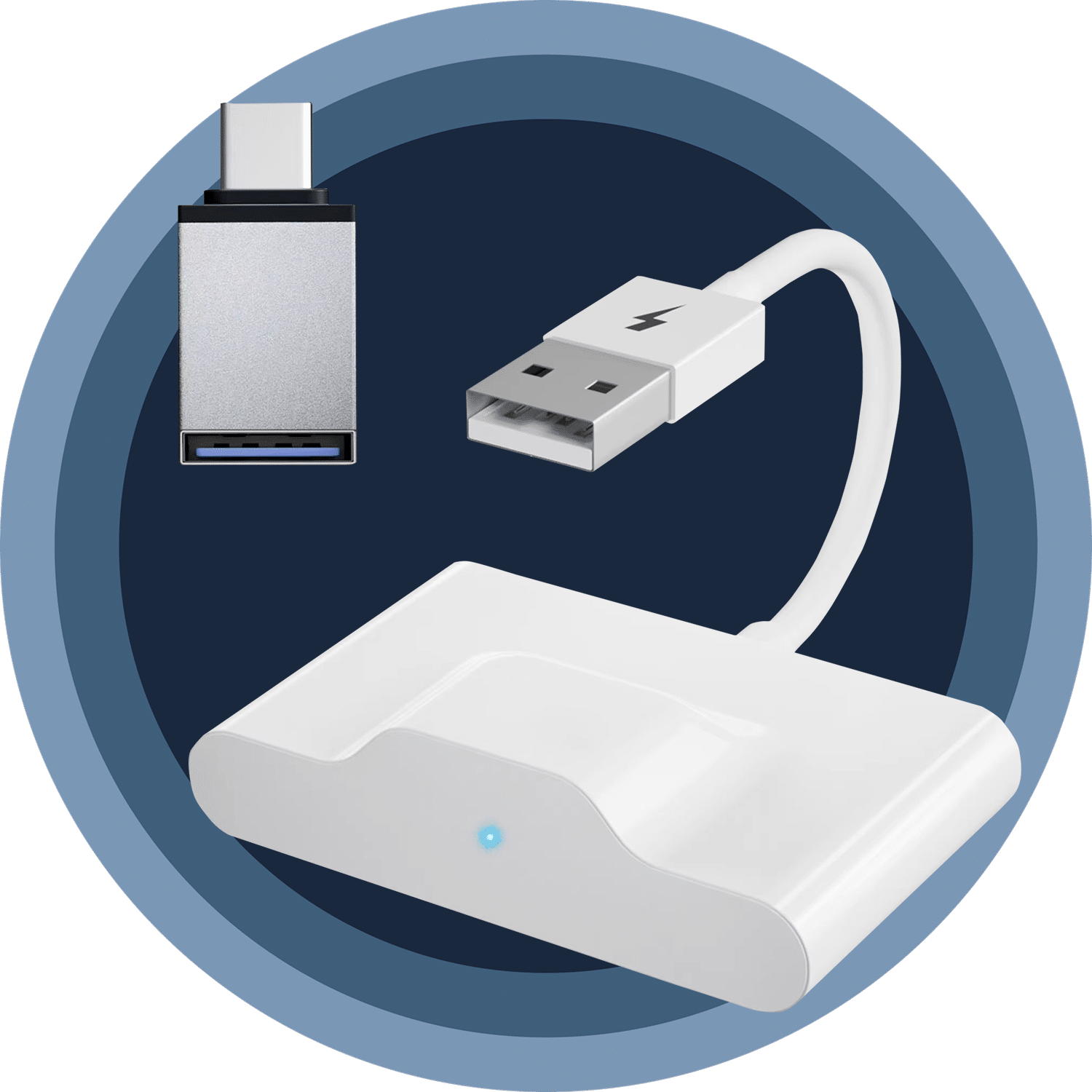
CabieLink Android Auto Wireless Adapter
Packaging Box
USB Cable
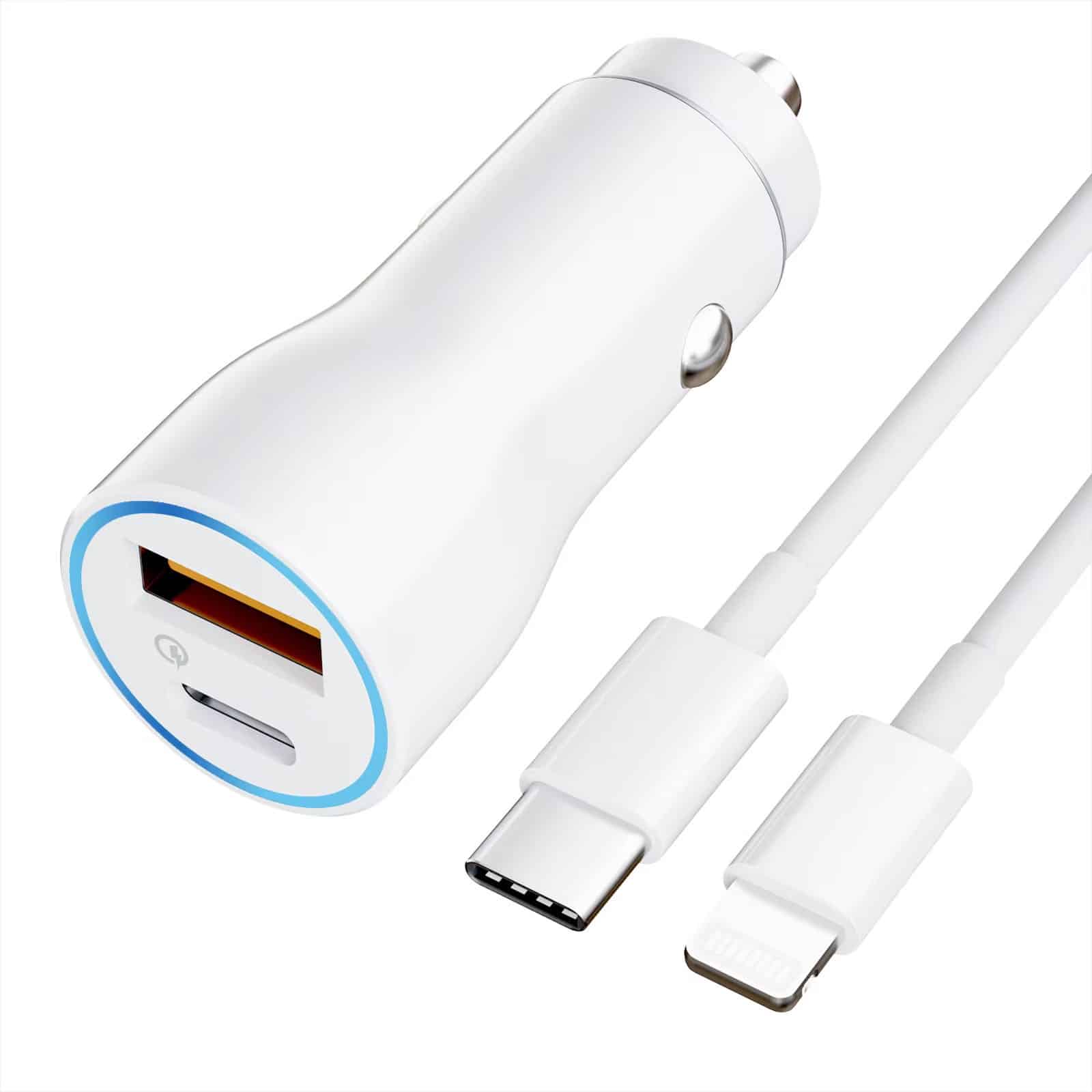
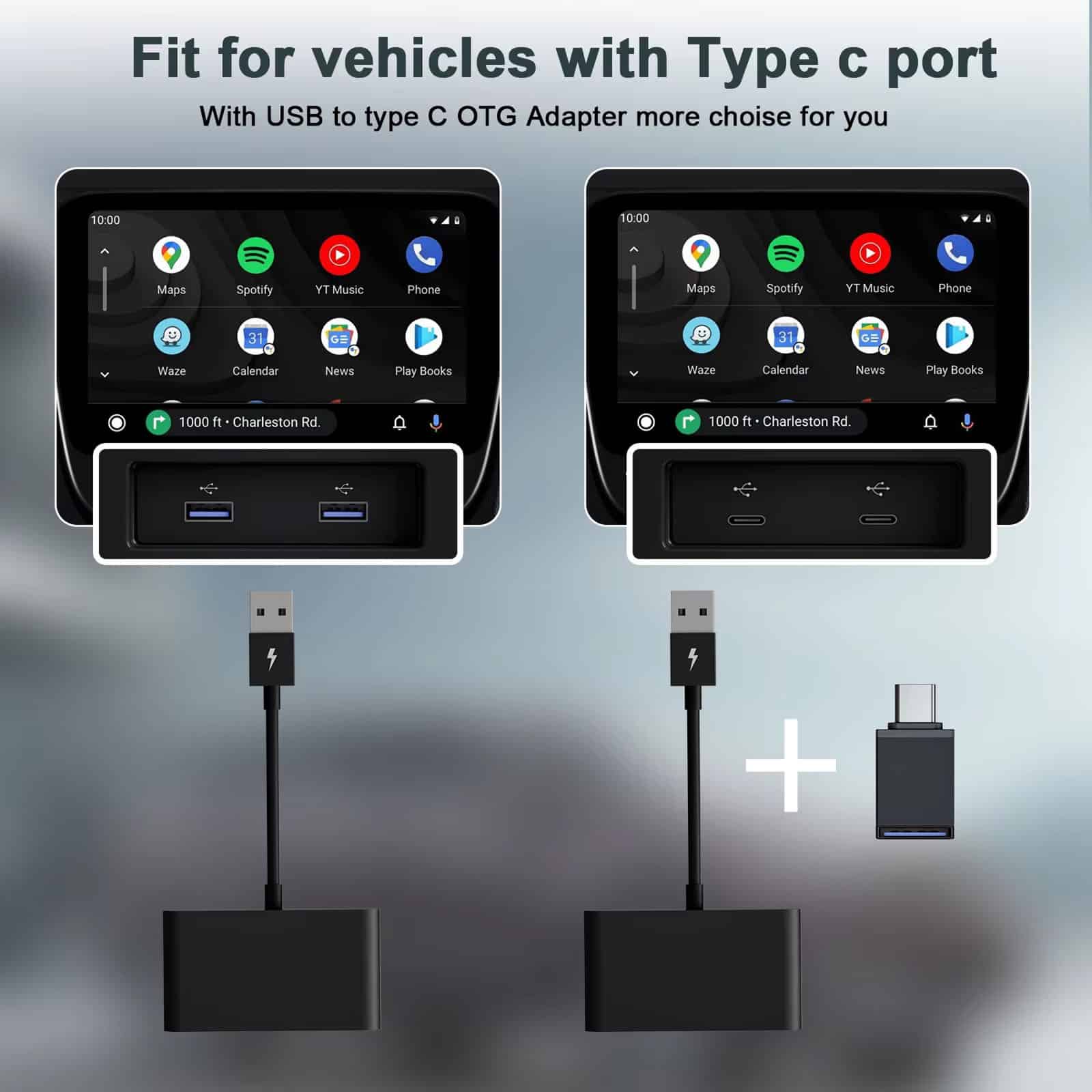
USB-C to USB-A Adapter
24/7 Customer Support
We understand the value of your time. That’s why our team is trained to respond promptly and efficiently, ensuring your queries and issues are addressed without unnecessary delays.
Learn More About CabieLink
Frequently Asked Questions
How long does it take to set up the CabieLink adapter?−
Setup takes less than 60 seconds. Simply plug the CabieLink adapter into your car's USB port, pair your phone once, and enjoy automatic wireless connection every time you start your vehicle.
Can I use navigation apps like Google Maps and Waze?+
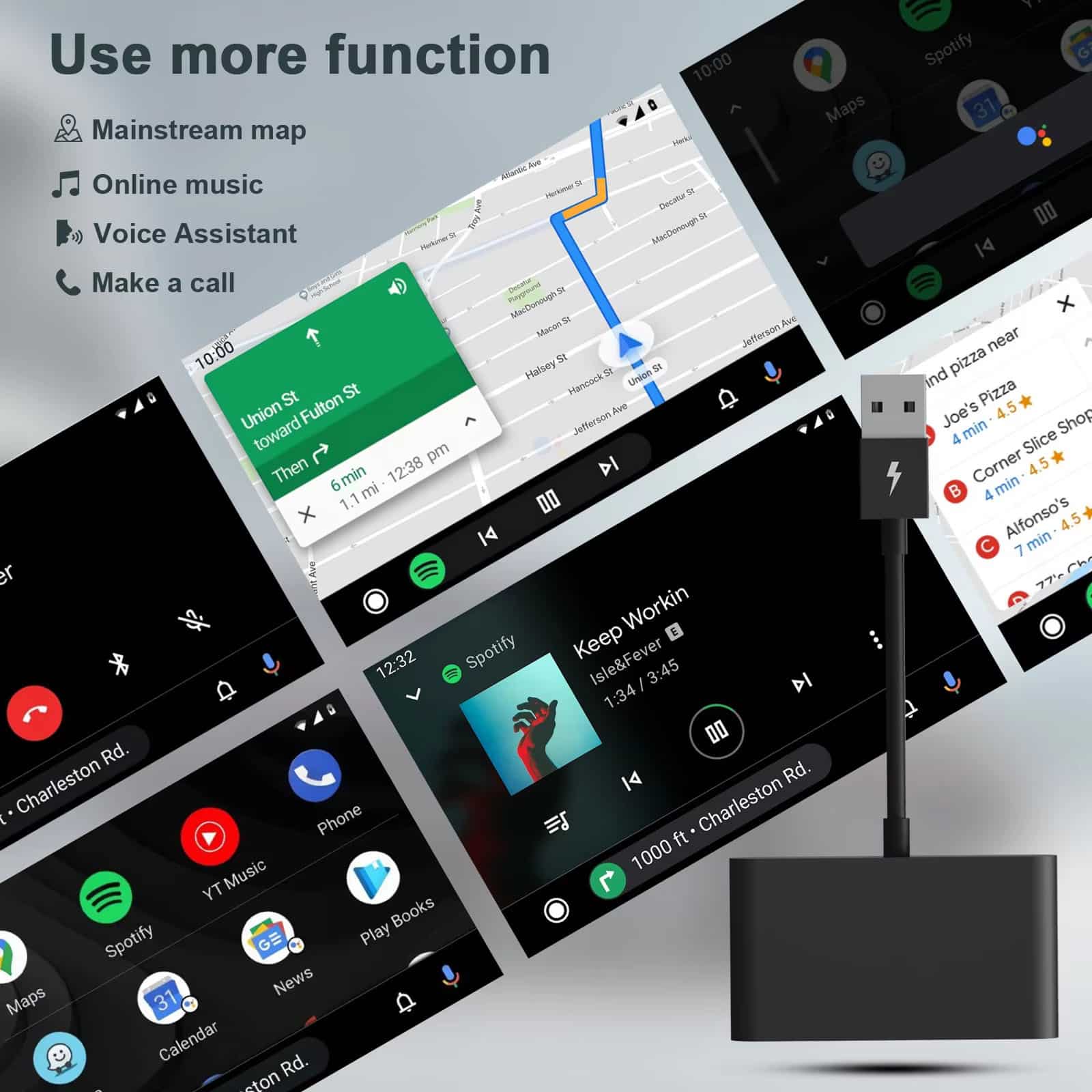
Absolutely! CabieLink works seamlessly with Google Maps, Waze, and all Android Auto-compatible navigation apps, providing real-time directions and traffic updates wirelessly through your car's display system.
What apps are compatible with this wireless adapter?+
CabieLink supports all Android Auto-compatible apps including Spotify, YouTube Music, Google Podcasts, WhatsApp, messaging apps, and hundreds of other entertainment and productivity applications available on Android Auto.
Does it drain my phone's battery quickly during use?+
No, CabieLink uses efficient wireless technology that minimizes battery drain. Your phone charges normally when connected to your car's USB charging port while using the adapter simultaneously for connectivity.
Can I connect multiple phones to the adapter?+
Yes, you can pair multiple phones with CabieLink. The adapter remembers previously paired devices and automatically connects to the phone that's currently in the vehicle for seamless multi-user convenience.
What's the wireless range of the CabieLink adapter?+
CabieLink maintains stable connection throughout your entire vehicle. The 5GHz WiFi technology ensures reliable performance even with your phone in your pocket, bag, or anywhere inside the car.
Will it affect my car's original infotainment system?+
No, CabieLink works through your existing Android Auto system without modifying or affecting your car's original infotainment features. All factory functions remain fully operational and accessible as normal.
Does it support voice commands through Google Assistant?+
Yes, CabieLink fully supports Google Assistant voice commands. Use hands-free voice control for navigation, calls, messages, music, and all other Android Auto features for safer, more convenient driving.
TOP #1 FAVORITE Android Auto Wireless Adapter
Trusted By Thousands Of Satisfied Customers
David Richardson
This adapter exceeded all my expectations! Setup was instant, connection is rock-solid, and it works flawlessly with Google Maps and Spotify. My daily commute has never been more convenient.
Sarah Mitchell
Best car accessory I’ve purchased this year! The wireless freedom is incredible, and the auto-connect feature saves me so much time. Navigation and music streaming work perfectly without lag.
Robert Thompson
Finally, no more cable mess in my car! CabieLink connects automatically every time I start the engine. The performance is outstanding, and it’s compatible with all my favorite apps.