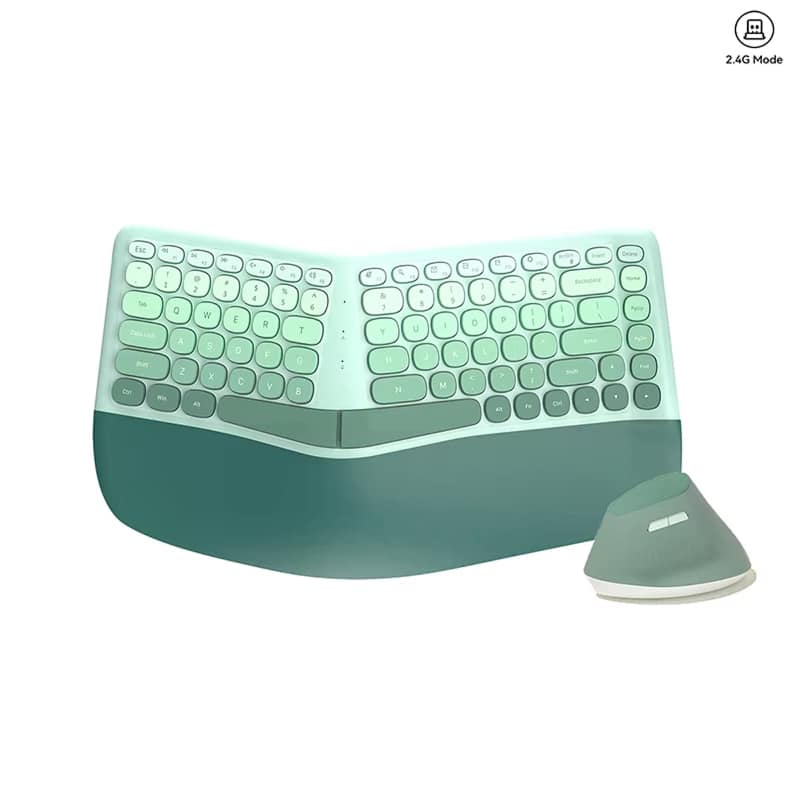
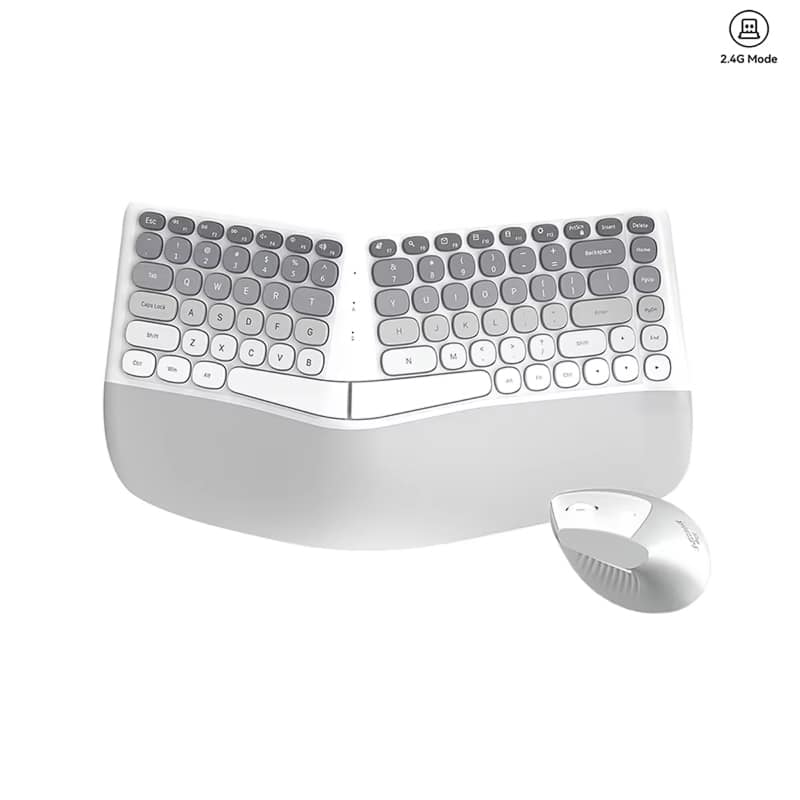
Transform Your Workspace with VektoKey Ergonomic Keyboard And Mouse
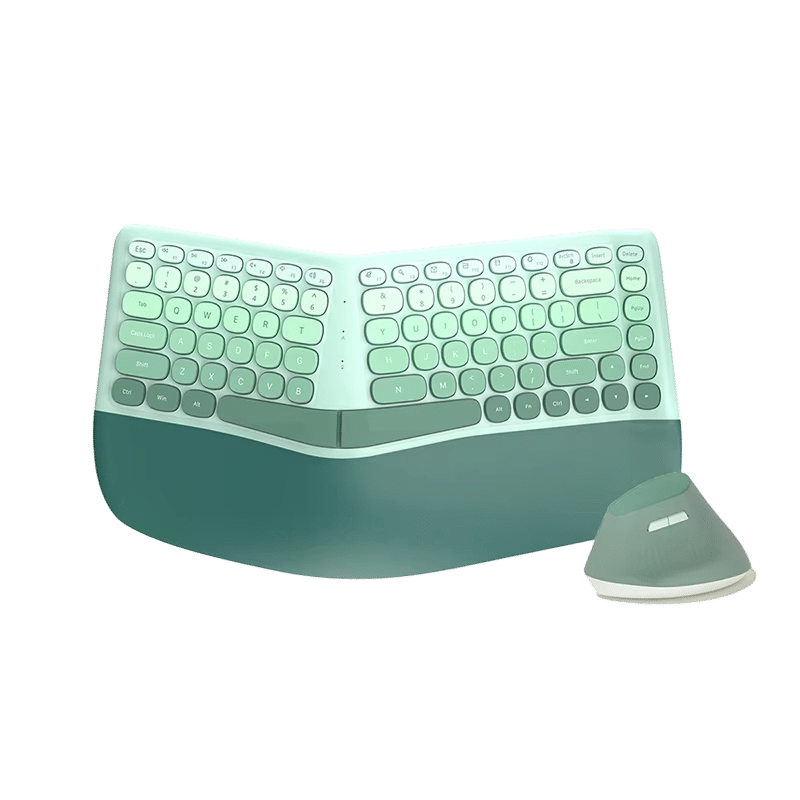
Experience unparalleled comfort and productivity with the VektoKey Ergonomic Keyboard And Mouse. Designed to eliminate wrist strain and promote natural typing posture, this innovative combo protects your health whilst enhancing performance during extended work sessions.
Discover Superior Comfort and Productivity with VektoKey Ergonomic Keyboard And Mouse
Tired of Pain From Long Typing Sessions?
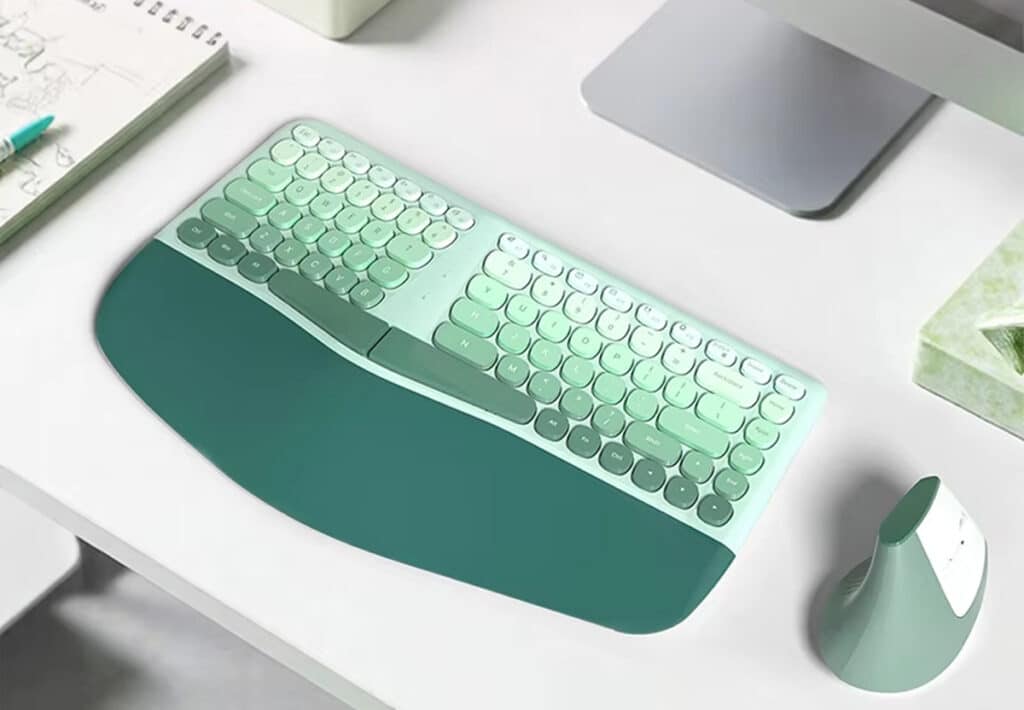
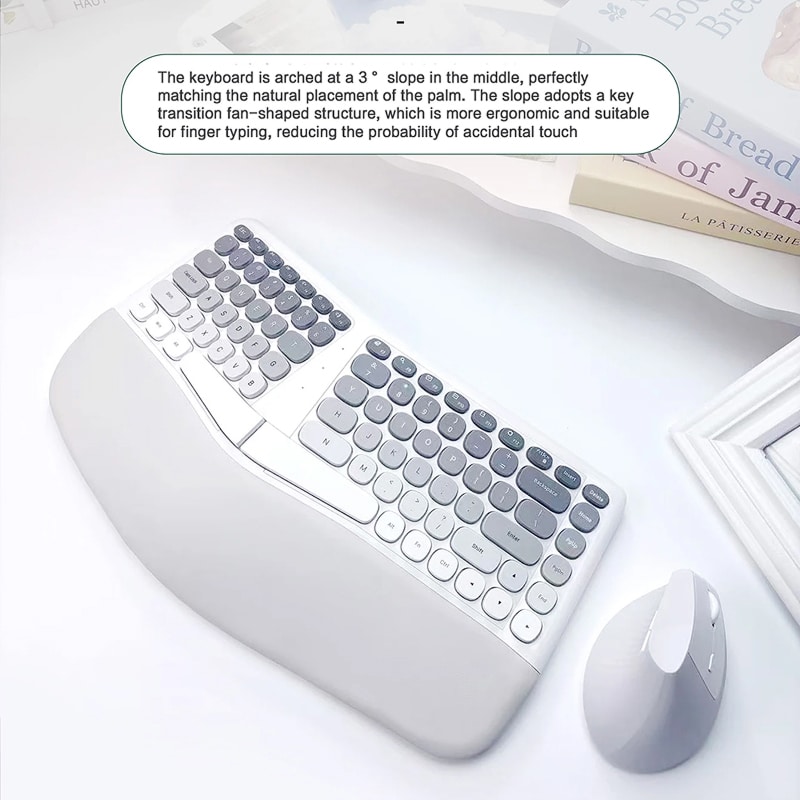
The VektoKey Ergonomic Keyboard And Mouse features a revolutionary split design with a 3-degree arched slope that perfectly matches your natural palm placement. The cushioned wrist rest, crafted from soft anti-slip leather material, provides exceptional support whilst preventing musculoskeletal disorders. Combined with the vertical ergonomic mouse, this combo eliminates uncomfortable reaching and twisting.
Looking for Natural Hand Positioning?
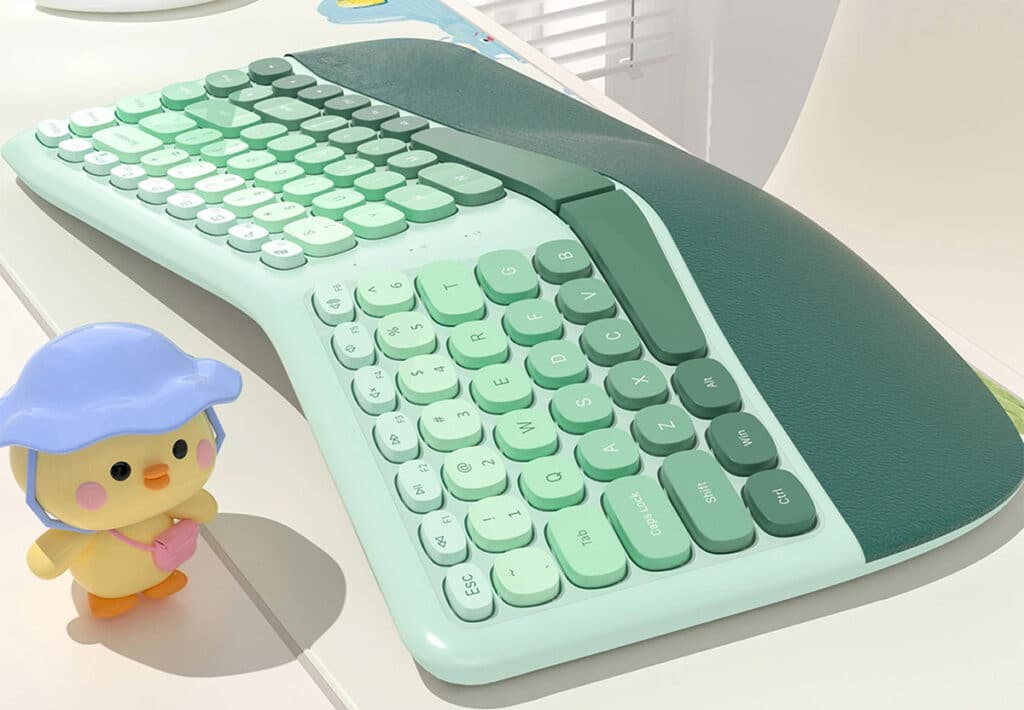
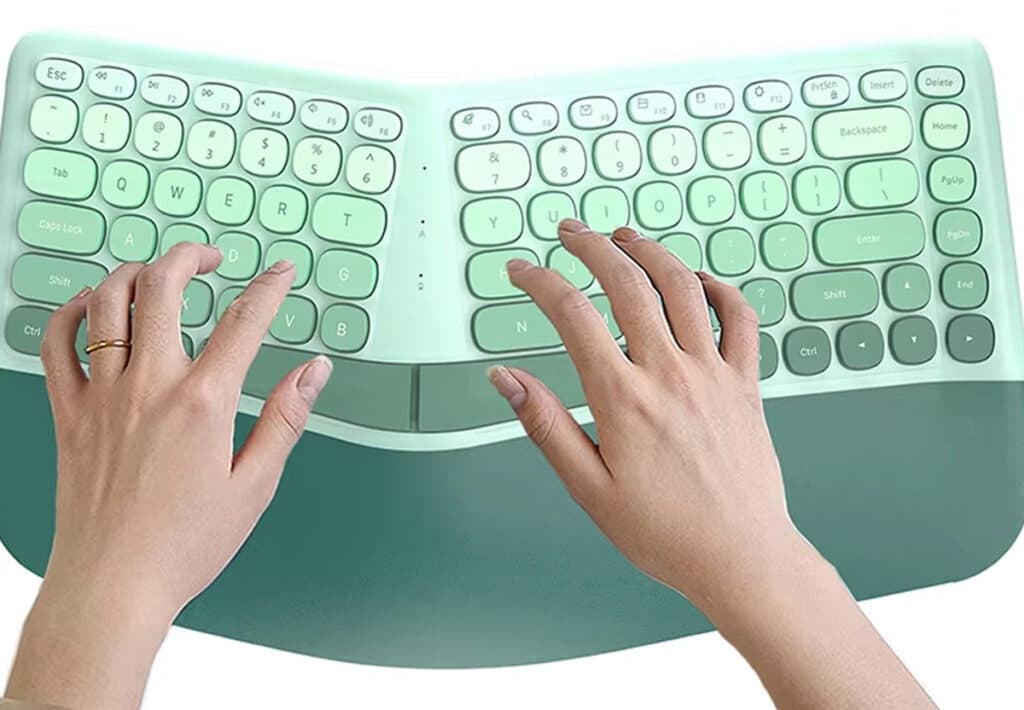
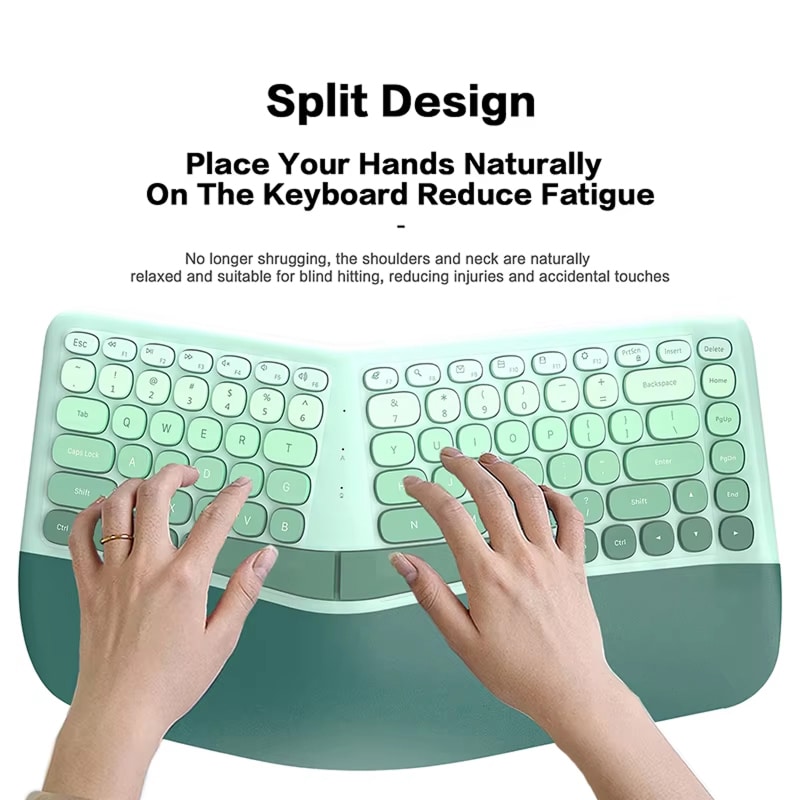
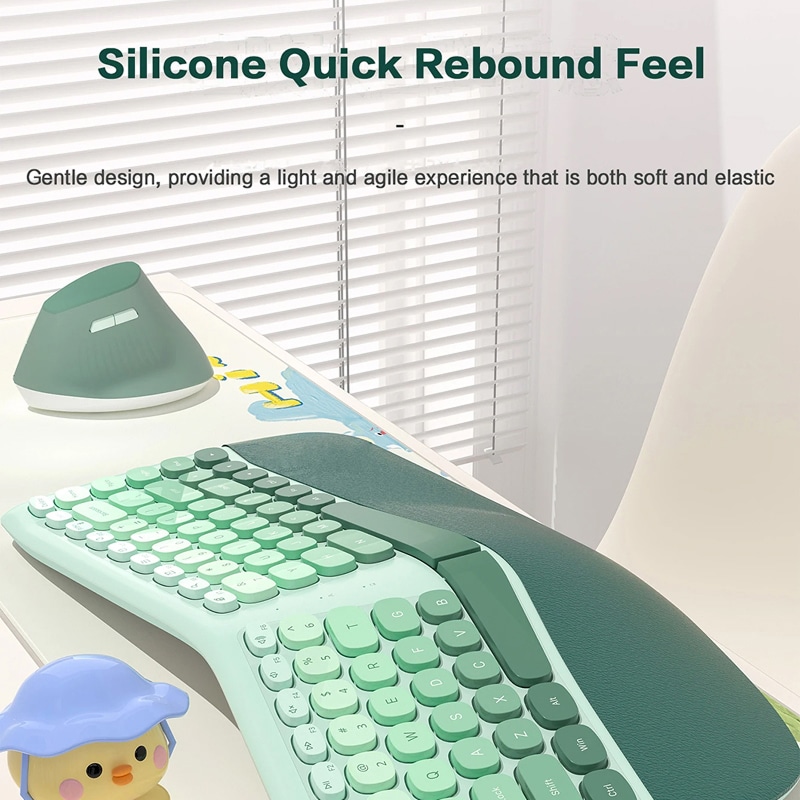
Say goodbye to shoulder tension and neck strain with the VektoKey Ergonomic Keyboard And Mouse’s innovative fan-shaped key transition structure. The split keyboard layout enables your hands to type at comfortable angles and distances, promoting proper posture without requiring awkward positioning. The silicone keys deliver a gentle, quick-rebound feel that’s both soft and elastic, reducing typing fatigue whilst maintaining accuracy during extended work sessions.
Worried Health Issues From Poor Posture?
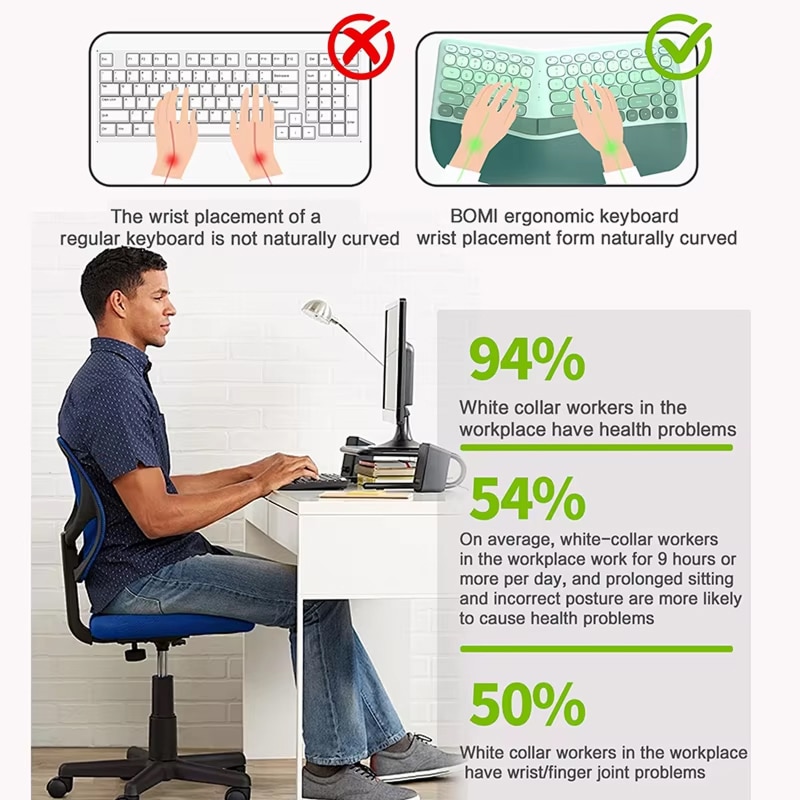
With 50% of white-collar workers experiencing wrist and finger joint problems, the VektoKey Ergonomic Keyboard And Mouse addresses critical workplace health concerns. The natural curved wrist placement prevents repetitive strain injuries, whilst the ergonomic design reduces the risk of long-term health issues. The vertical mouse offers adjustable DPI settings (1200/1800/2400) with silent switches, ensuring precision and comfort for all tasks whilst protecting your joints from unnecessary stress.
Over 50,000 Users Loving VektoKey Ergonomic Keyboard And Mouse
4.8 rating based on total orders
Effortless Connectivity and Energy-Efficient Performance for Modern Workspaces
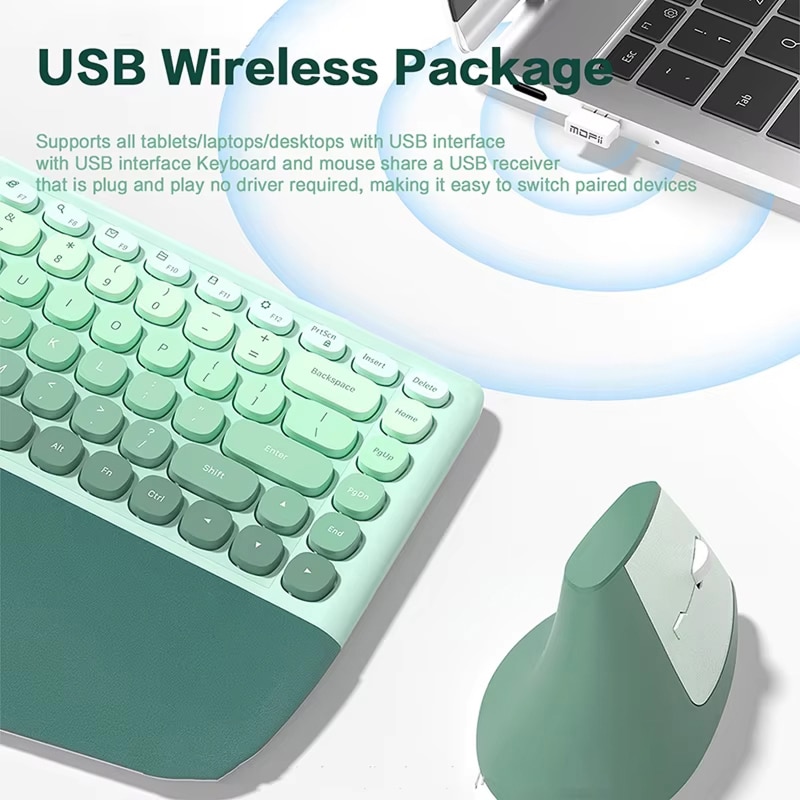
Enjoy seamless wireless freedom with the VektoKey’s 2-in-1 Nano receiver that connects both keyboard and mouse through a single USB port. The intelligent auto power-saving feature ensures extended battery life for uninterrupted productivity.
“VektoKey delivers exceptional build quality with thoughtful ergonomic features that genuinely reduce strain. The split design and cushioned support make extended typing sessions remarkably comfortable and sustainable.”
Why Choose the VektoKey Ergonomic Keyboard And Mouse for Your Workspace
VektoKey FEATURES ALL YOU EXPECT:
SPLIT DESIGN INNOVATION
The revolutionary split keyboard design of the VektoKey Ergonomic Keyboard And Mouse allows your shoulders and neck to relax naturally whilst typing. The 3-degree arched slope perfectly matches your palm’s natural placement.
VERTICAL MOUSE COMFORT
Experience optimal ergonomic comfort with the VektoKey’s unique vertical mouse design that positions your hand naturally. The adjustable DPI settings (1200/1800/2400) provide precision for various tasks, from detailed work to document scrolling.
WIRELESS CONVENIENCE
VektoKey features a 2-in-1 Nano receiver that connects both devices through a single USB port, eliminating cable clutter and simplifying your workspace setup. With plug-and-play functionality requiring no software downloads, you’ll be working comfortably within seconds.
CUSHIONED SUPPORT SYSTEM
Protect your wrists and hands with the VektoKey’s generously cushioned palm rest, crafted from premium anti-slip leather material that prevents sliding. The soft surface reduces pressure points.
ENERGY-EFFICIENT TECHNOLOGY
The intelligent auto power-saving feature of the VektoKey Ergonomic Keyboard And Mouse automatically enters sleep mode after 10 minutes of inactivity, significantly extending battery life. Simply press any key to wake the devices instantly.
UNIVERSAL COMPATIBILITY
The VektoKey Ergonomic Keyboard And Mouse works seamlessly with all tablets, laptops, and desktop computers featuring USB interfaces. Whether you’re using Windows, macOS, or Linux systems, the universal compatibility ensures reliable performance.
Image Gallery
What's Included in Your Package?
VektoKey Keyboard
VektoKey Mouse
User Manual
24/7 Customer Support
We understand the value of your time. That’s why our team is trained to respond promptly and efficiently, ensuring your queries and issues are addressed without unnecessary delays.
Learn More About VektoKey
Frequently Asked Questions
How does the split keyboard design improve typing comfort?−
The split design allows your hands to rest at natural angles, eliminating uncomfortable reaching and twisting.
What DPI settings does the vertical mouse offer?+
The vertical mouse features three adjustable DPI settings: 1200, 1800, and 2400. You can easily switch between these settings to match different tasks.
Does the keyboard and mouse require software installation?+
No software installation required. The VektoKey uses plug-and-play technology with a 2-in-1 Nano receiver that connects both devices through one USB port. Simply plug in the receiver and start working immediately.
How long does the battery last with normal usage?+
With the intelligent auto power-saving feature, batteries last significantly longer. The devices enter sleep mode after 10 minutes of inactivity, and the power switches provide additional control for extended battery life.
Can I use this keyboard and mouse with my MacBook?+
Yes, the VektoKey Ergonomic Keyboard And Mouse is fully compatible with MacBooks and all computers with USB interfaces. The universal design works seamlessly across Windows, macOS, and Linux operating systems.
Is the wrist rest removable or permanently attached?+
The cushioned wrist rest is integrated into the keyboard design, providing consistent support and stability. The anti-slip leather material ensures it remains securely positioned during typing without sliding or shifting.
How do I wake the devices from sleep mode?+
Simply press any key on the keyboard or click any button on the mouse to wake the devices instantly from sleep mode. The wake-up response is immediate, allowing you to resume work without delay.
What is the wireless range of the keyboard and mouse?+
The 2.4G wireless technology provides a reliable connection up to 10 metres away from your computer. This generous range offers flexibility in workspace arrangement whilst maintaining stable, responsive performance throughout.
TOP #1 FAVORITE Ergonomic Keyboard And Mouse
Trusted By Thousands Of Satisfied Customers
James P.
After years of suffering from wrist pain, the VektoKey Ergonomic Keyboard And Mouse has been absolutely transformative for my daily work routine. The split design immediately felt natural, and within days I noticed significantly reduced tension in my shoulders and neck.
Emma R.
I purchased the VektoKey Ergonomic Keyboard And Mouse three months ago, and it’s made a remarkable difference to my comfort levels whilst working from home. The split keyboard layout took only a brief adjustment period before feeling completely natural and intuitive.
Michael T.
As someone who spends over nine hours daily at the computer, VektoKey has been a game-changer for preventing repetitive strain injuries. The ergonomic design genuinely promotes natural hand positioning, and the 3-degree slope matches my palm placement perfectly.