Transform Your Workspace With VektoKey Ergonomic Keyboard
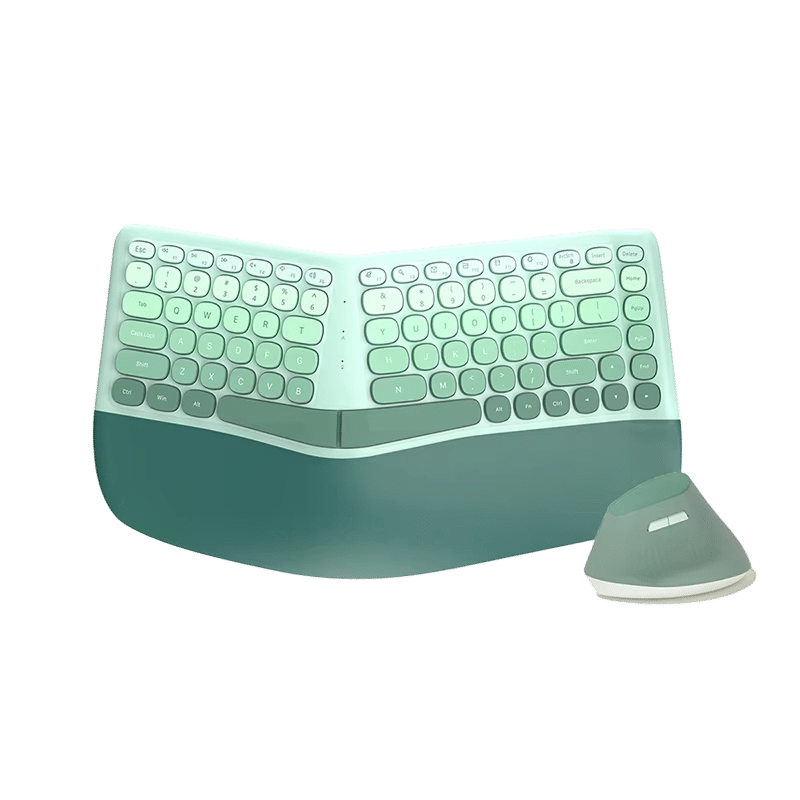
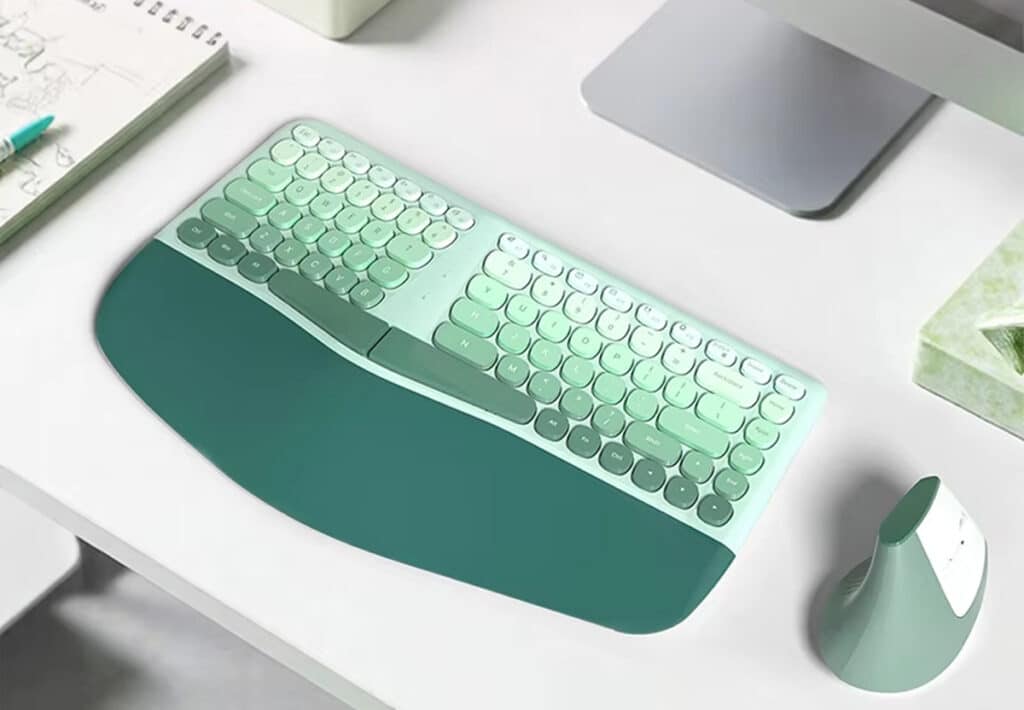
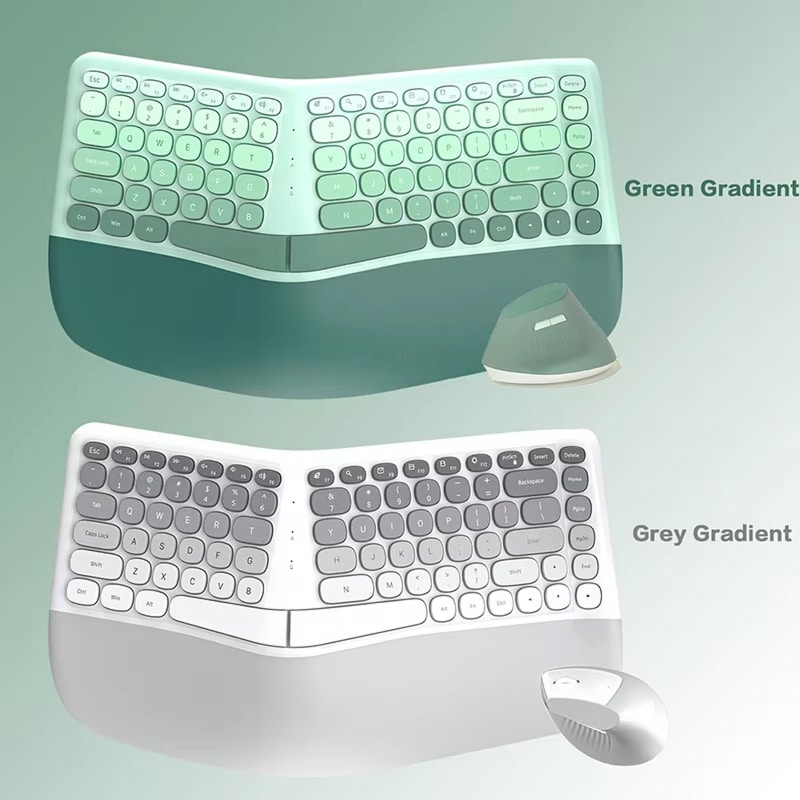
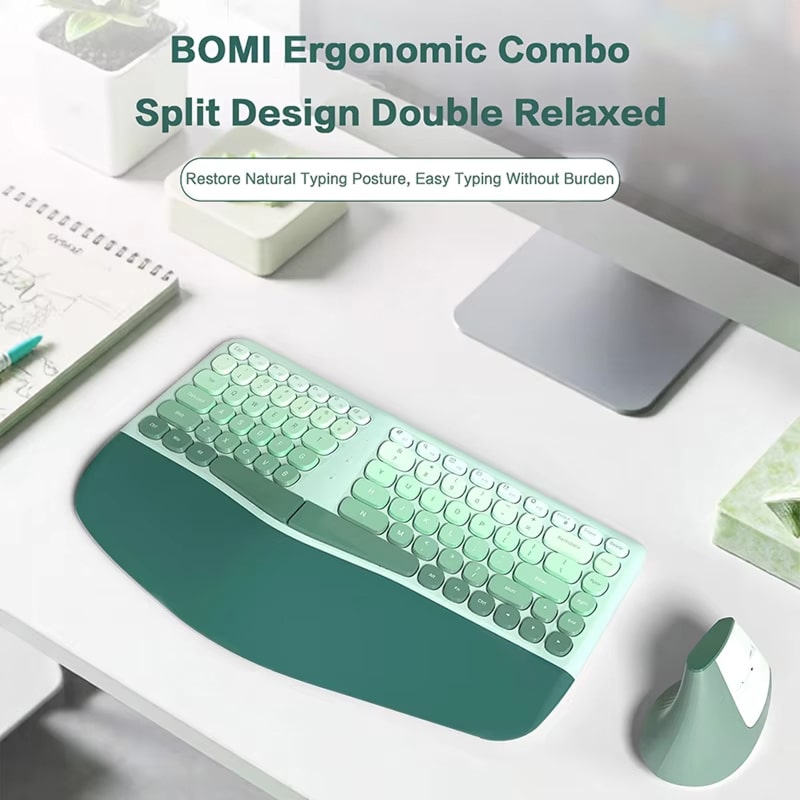
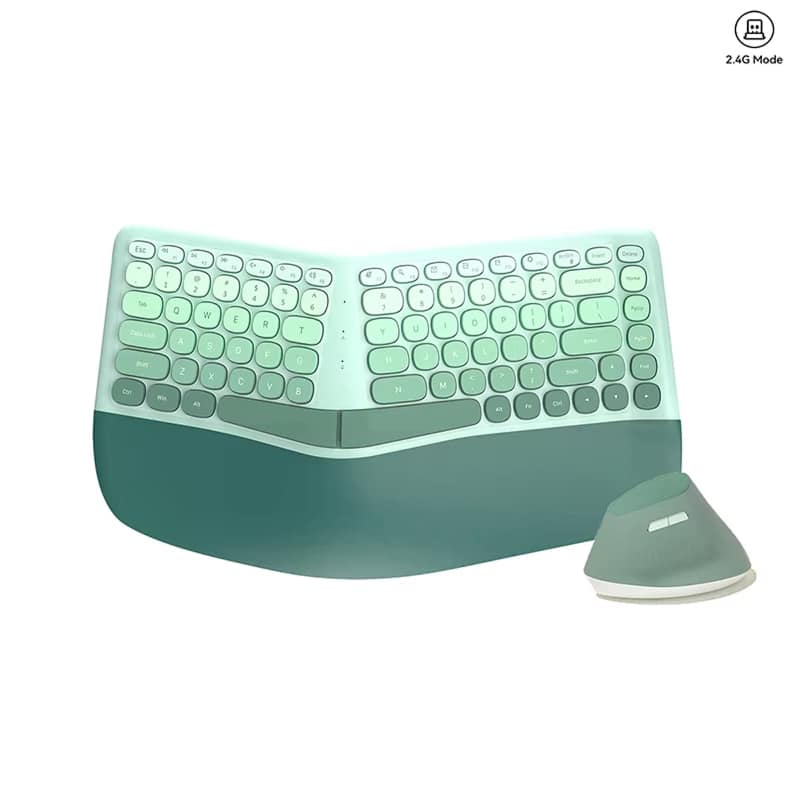
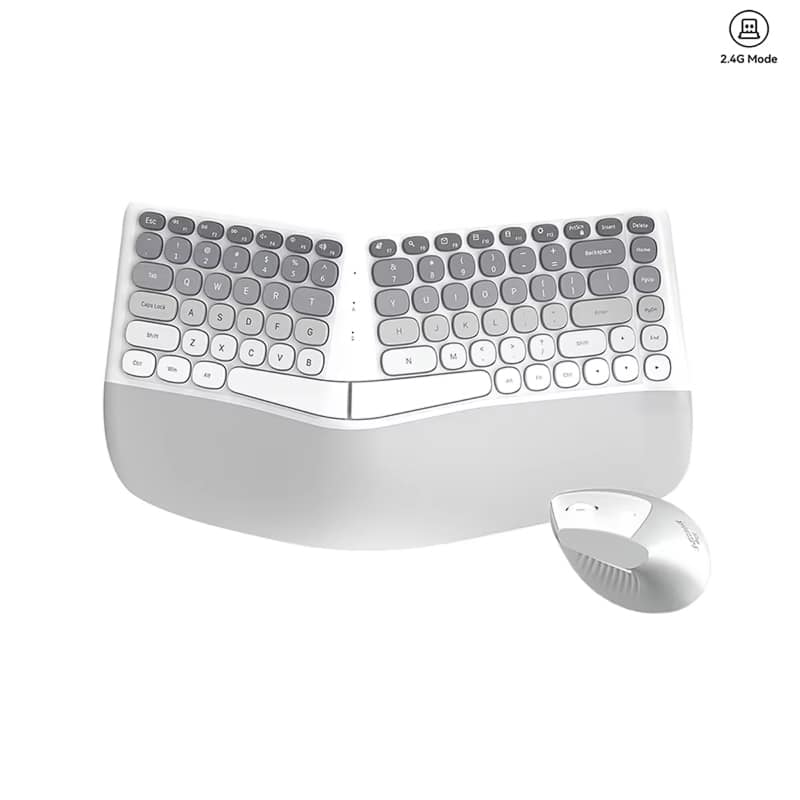
Experience unparalleled typing comfort with the VektoKey Ergonomic Keyboard. Its revolutionary split design and cushioned wrist rest promote natural hand positioning and reduce strain for healthier, more productive workdays. Includes a free ergonomic mouse, perfectly matching your keyboard for effortless all-day control.
Experience Ultimate Comfort And Productivity With The VektoKey Ergonomic Keyboard
Tired Of Wrist Pain From Extended Typing?
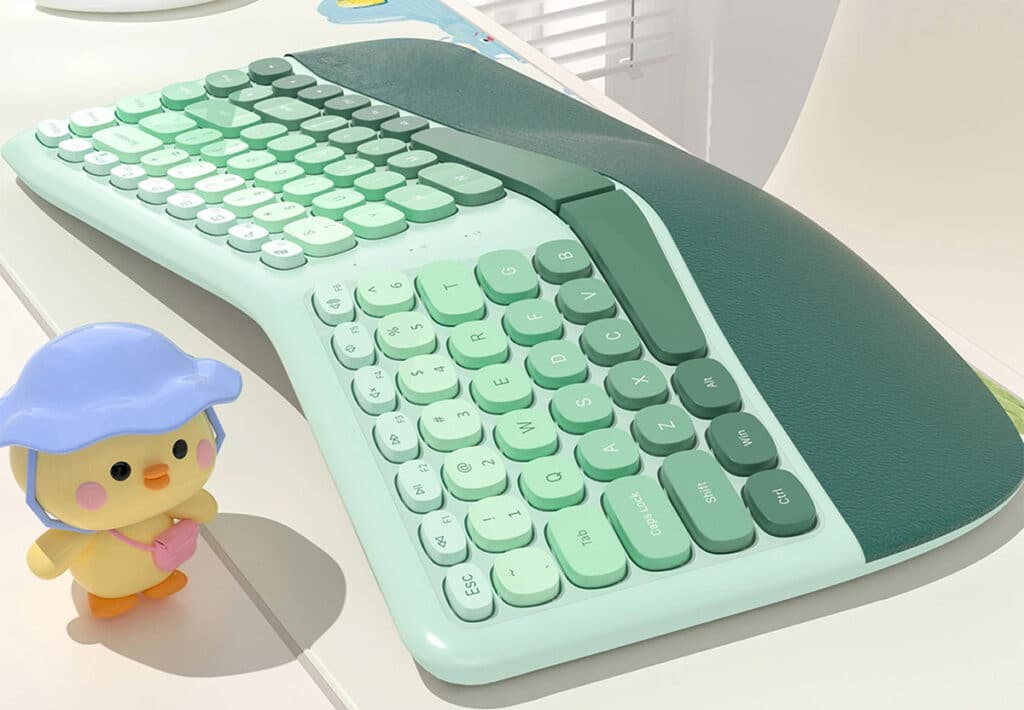
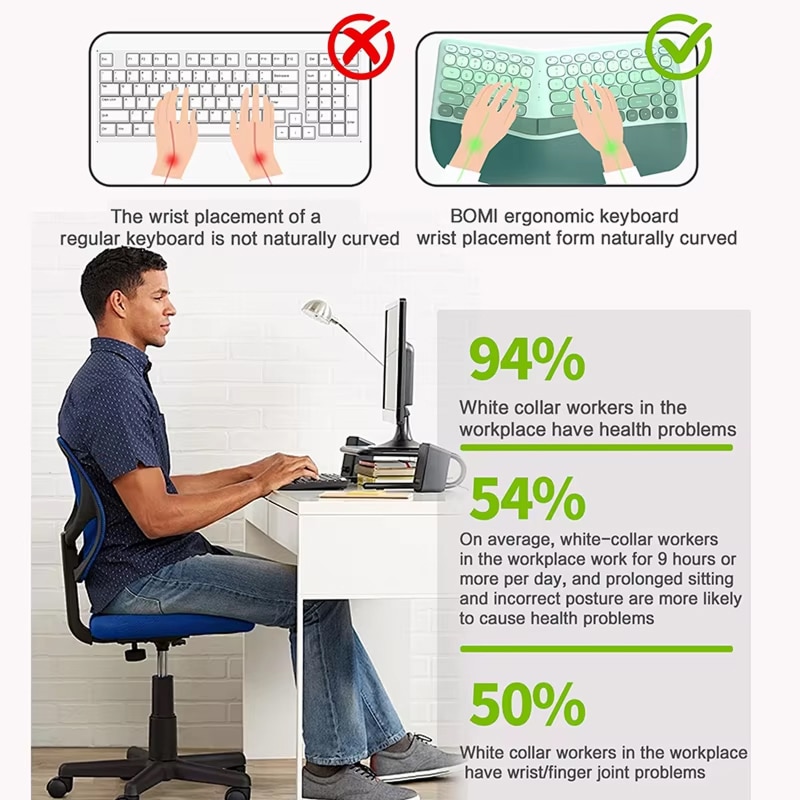
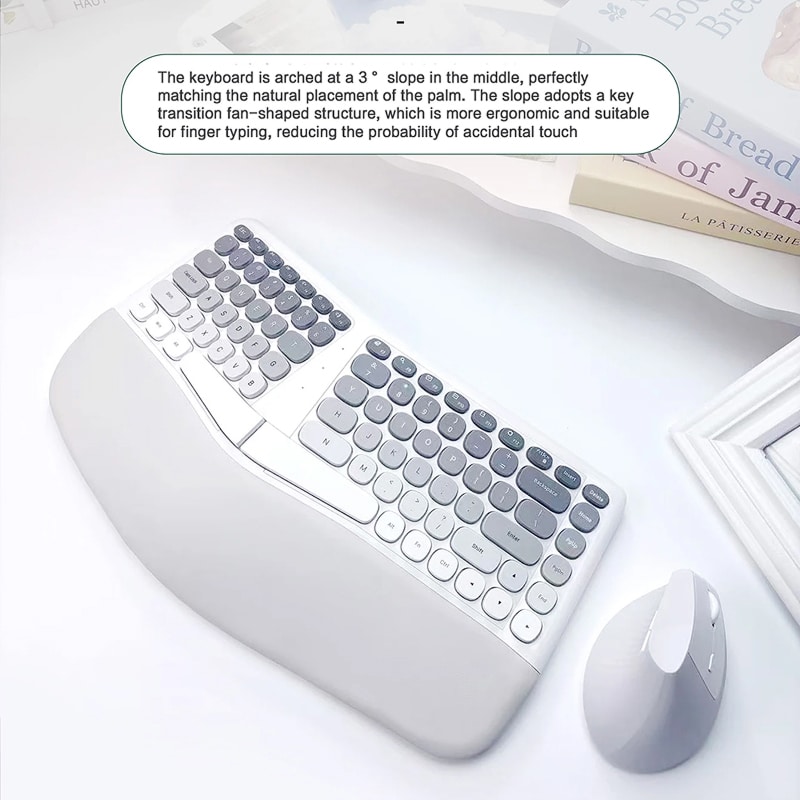
The VektoKey Ergonomic Keyboard features a revolutionary split design that eliminates uncomfortable reaching and twisting. With its 3-degree arched slope and cushioned palm rest made from soft anti-slip leather, your hands rest naturally at comfortable angles. This intelligent design significantly reduces the risk of musculoskeletal disorders, carpal tunnel syndrome, and repetitive strain injuries that plague office workers who type for extended periods daily.
Looking For Natural Hand Positioning?
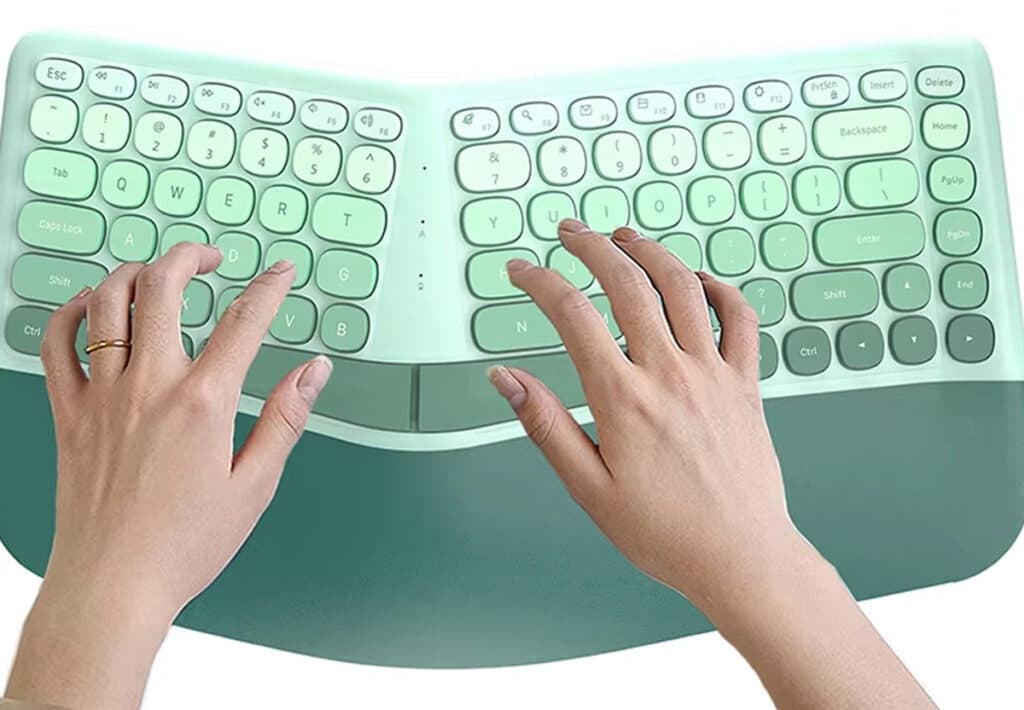
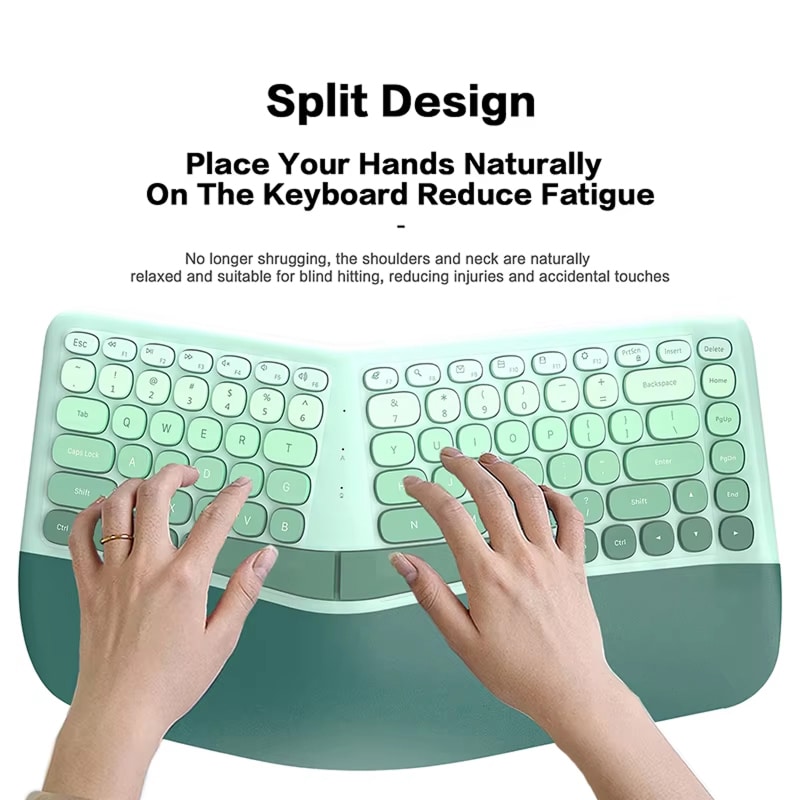
Say goodbye to awkward wrist angles and shoulder tension with the VektoKey Ergonomic Keyboard’s innovative layout. The fan-shaped key transition structure perfectly matches your fingers’ natural movement patterns, whilst the split design allows each hand to type at its optimal distance and angle. This thoughtful engineering means your shoulders remain relaxed, your neck stays aligned, and your wrists maintain a neutral position throughout your workday, dramatically improving comfort during extended typing sessions.
Worried About Long-Term Issues?
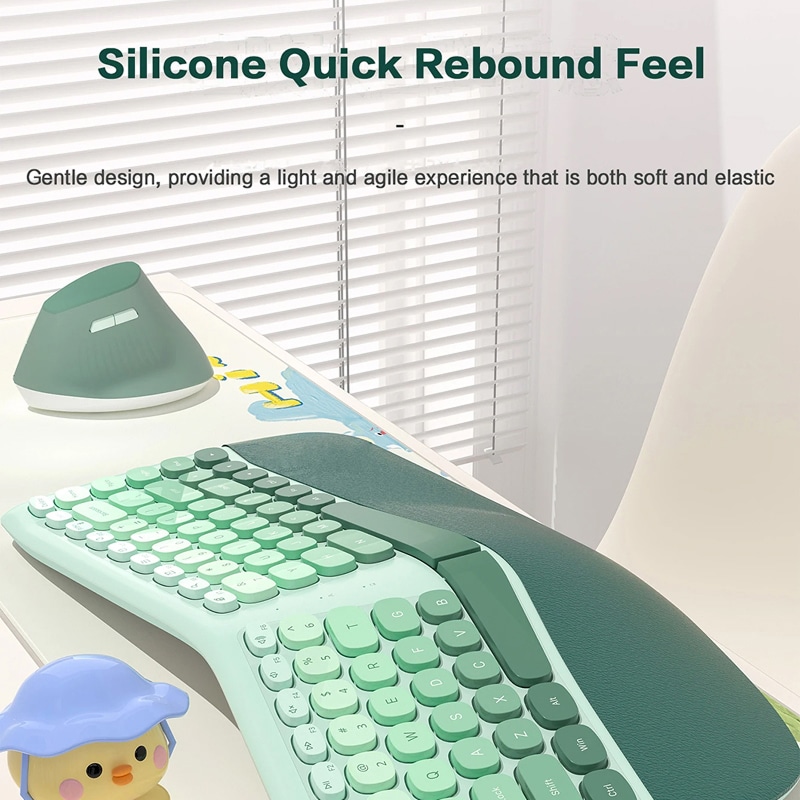
With 50% of office workers experiencing wrist and finger joint problems, the VektoKey Ergonomic Keyboard offers a preventative solution. The silicone quick-rebound keys provide a gentle, elastic typing experience that reduces impact stress on joints, whilst the ergonomic curved design with cushioned wrist rest supports proper posture. By encouraging natural hand placement and eliminating the need for shoulder shrugging, this keyboard helps prevent the health complications that affect 94% of workplace professionals.
Over 10,000 Users Loving VektoKey Ergonomic Keyboard
4.8 rating based on total orders
Seamless Wireless Connectivity Meets Intelligent Power Management Technology
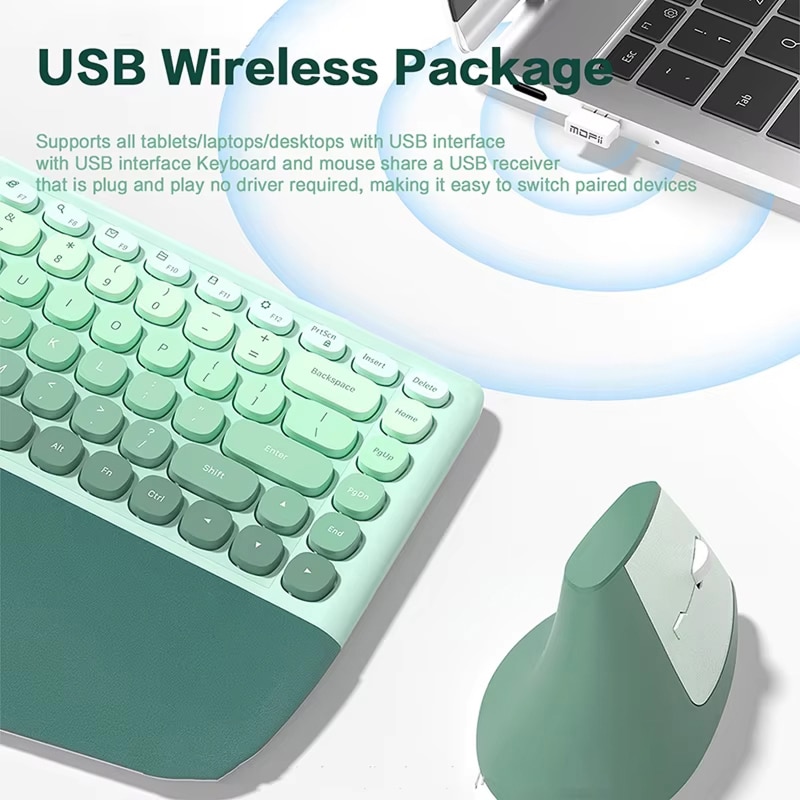
The VektoKey Ergonomic Keyboard offers hassle-free wireless connectivity through its 2-in-1 nano receiver, combining keyboard and mouse into one USB port. Auto power-saving mode activates after 10 minutes of inactivity, maximising battery efficiency.
“The VektoKey’s split design and cushioned palm rest represent genuine ergonomic innovation. The 3-degree slope and fan-shaped key structure effectively reduce strain during prolonged typing sessions, making it an excellent investment for workplace health.”
Why Choose The VektoKey Ergonomic Keyboard For Your Workspace
VektoKey FEATURES ALL YOU EXPECT:
SPLIT DESIGN INNOVATION
The VektoKey Ergonomic Keyboard’s split layout aligns each hand at its natural angle, eliminating reaching and shoulder tension while enhancing typing accuracy with a 3° arch and fan-shaped key structure.
CUSHIONED WRIST SUPPORT
Enjoy all-day comfort with a soft, anti-slip leather wrist rest that evenly distributes pressure, preventing repetitive strain injuries and ensuring stable hand positioning during long typing sessions.
WIRELESS CONVENIENCE
Experience clutter-free typing with 2.4G wireless technology and a single nano receiver for both devices. Plug-and-play setup provides instant connection and portable storage for remote work.
VERTICAL MOUSE DESIGN
Includes a free vertical ergonomic mouse, promoting a natural handshake position that reduces wrist strain. Adjustable DPI (1200/1800/2400) ensures precision, while silent clicks suit shared workspaces.
POWER SAVING
Auto-sleep mode activates after 10 minutes of inactivity, conserving battery life. One-key wake-up and on/off switches maximise energy efficiency and environmental sustainability.
UNIVERSAL COMPATIBILITY
Works seamlessly with tablets, laptops, and desktops across Windows, macOS, and Linux. Requires no drivers, offering a smooth ergonomic experience for multi-device and remote users.
Image Gallery
What's Included in Your Package?
VektoKey Keyboard
Ergonomic Mouse Gift
User Manual
24/7 Customer Support
We understand the value of your time. That’s why our team is trained to respond promptly and efficiently, ensuring your queries and issues are addressed without unnecessary delays.
Learn More About VektoKey
Frequently Asked Questions
How does the split design reduce typing strain?−
The split design allows each hand to rest at its natural angle, eliminating awkward wrist twisting and shoulder tension. This ergonomic positioning significantly reduces strain during extended typing sessions.
Will the cushioned wrist rest wear out quickly?+
The cushioned wrist rest is crafted from durable anti-slip leather material designed for long-term use. The high-quality construction maintains its supportive properties even with daily use over extended periods.
Can I use the keyboard and mouse with multiple devices?+
The keyboard and mouse connect via a single USB receiver. To switch devices, simply move the receiver to your desired device. However, simultaneous multi-device connectivity isn't supported with this model.
How long does the battery last with auto power-saving?+
With auto sleep mode activating after 10 minutes of inactivity, battery life is significantly extended. Typical usage provides several months of operation, though this varies based on individual usage patterns.
Is the vertical mouse suitable for left-handed users?+
The vertical mouse is designed primarily for right-handed users. The ergonomic shape and button placement are optimised for right-hand operation and may not provide the same comfort for left-handed individuals.
Does the keyboard work immediately after plugging in?+
Yes, the VektoKey features true plug-and-play functionality. Simply insert the USB receiver into your device's USB port, and both keyboard and mouse work immediately without requiring any driver installation.
Can I adjust the keyboard's slope angle?+
The keyboard features a fixed 3-degree slope that's been ergonomically optimised for natural hand positioning. Whilst the angle isn't adjustable, this carefully calculated slope suits most users' ergonomic needs perfectly.
How do the adjustable DPI settings work on the mouse?+
The mouse offers three DPI settings: 1200, 1800, and 2400. Simply press the DPI button to cycle through sensitivity levels, allowing you to adjust cursor speed for precise tasks or rapid navigation.
TOP #1 FAVORITE Ergonomic Keyboard
Trusted By Thousands Of Satisfied Customers
Helen K.
After years of wrist pain from traditional keyboards, the VektoKey has been absolutely transformative for my daily work routine. The split design immediately felt natural, and within a week, my chronic wrist discomfort had noticeably decreased.
Adam W.
I was sceptical about ergonomic keyboards, but the VektoKey has exceeded all my expectations as a professional writer who types for extended periods daily. The 3-degree slope and fan-shaped key structure feel incredibly natural.
Robert D.
As a software developer spending 10+ hours daily at my computer, VektoKey has been a game-changer for my health. The split design allows my hands to rest naturally without the awkward angles I experienced with standard keyboards.